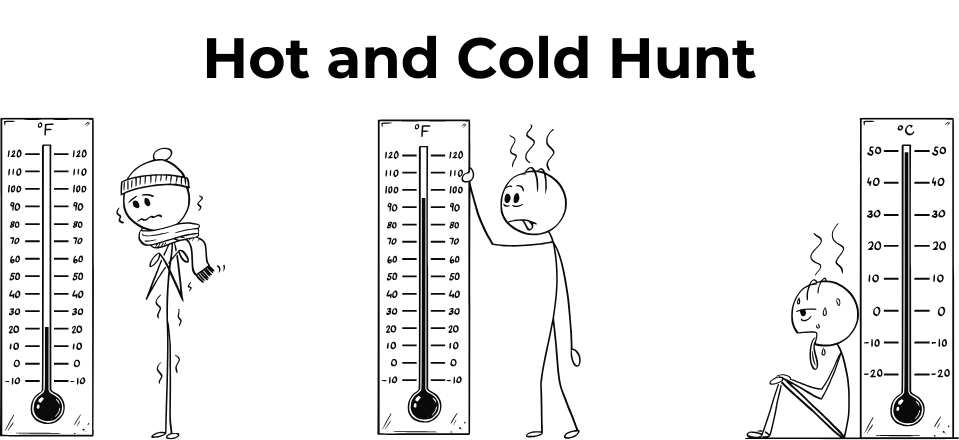
Grade 1 - Session 4: “Hot and Cold”
Architect: Aleeza Ayaz - Markhor3D
Session Length: 50-60 minutes
Session Overview:
In this session, students will explore the concept of hot and cold temperatures using MeasureLab’s temperature probe to compare the relative warmth of various objects. Through interactive observations, students will see how warmer objects make numbers on the screen go up and cooler objects make them go down, connecting these changes to familiar sensations of hot and cold. By associating higher numbers with warmer objects and lower numbers with cooler ones, students develop an intuitive understanding of temperature without focusing on exact measurements, making real-world connections with seasonal temperatures and common temperature-related tools.
Learning Objectives:
In this session, students will:
- Use a temperature probe to observe and compare the temperature of different objects.
- Understand the concept of hot and cold by comparing relative temperatures without focusing on exact measurements.
- Begin associating higher temperatures with warmer objects and lower temperatures with cooler objects.
Equipment Required:
- MeasureLab with a temperature probe.
- Cold water in a beaker.
- Warm water in a beaker.
- A warm or cool object (e.g., a heated toy or a cloth warmed with warm water, optional).
- Laptop or PC for displaying temperature readings.
Teacher Resource:
Session File: ML14.plf (57.0 KB)
Teaching Aids:
- Projector (optional).
Preparation:
This step has to be done before the session on each workstation/apparatus by the teacher/session instructor:
- Make sure that each computer has Physlogger installed and can detect the Measrelab when connected to it using the provided cable.
- Each Measurelab should have access to a power outlet for sensors that require external power.
- Connect the temperature probe in the following port:

- Launch the Physlogger application and load the session file provided in the resources section.
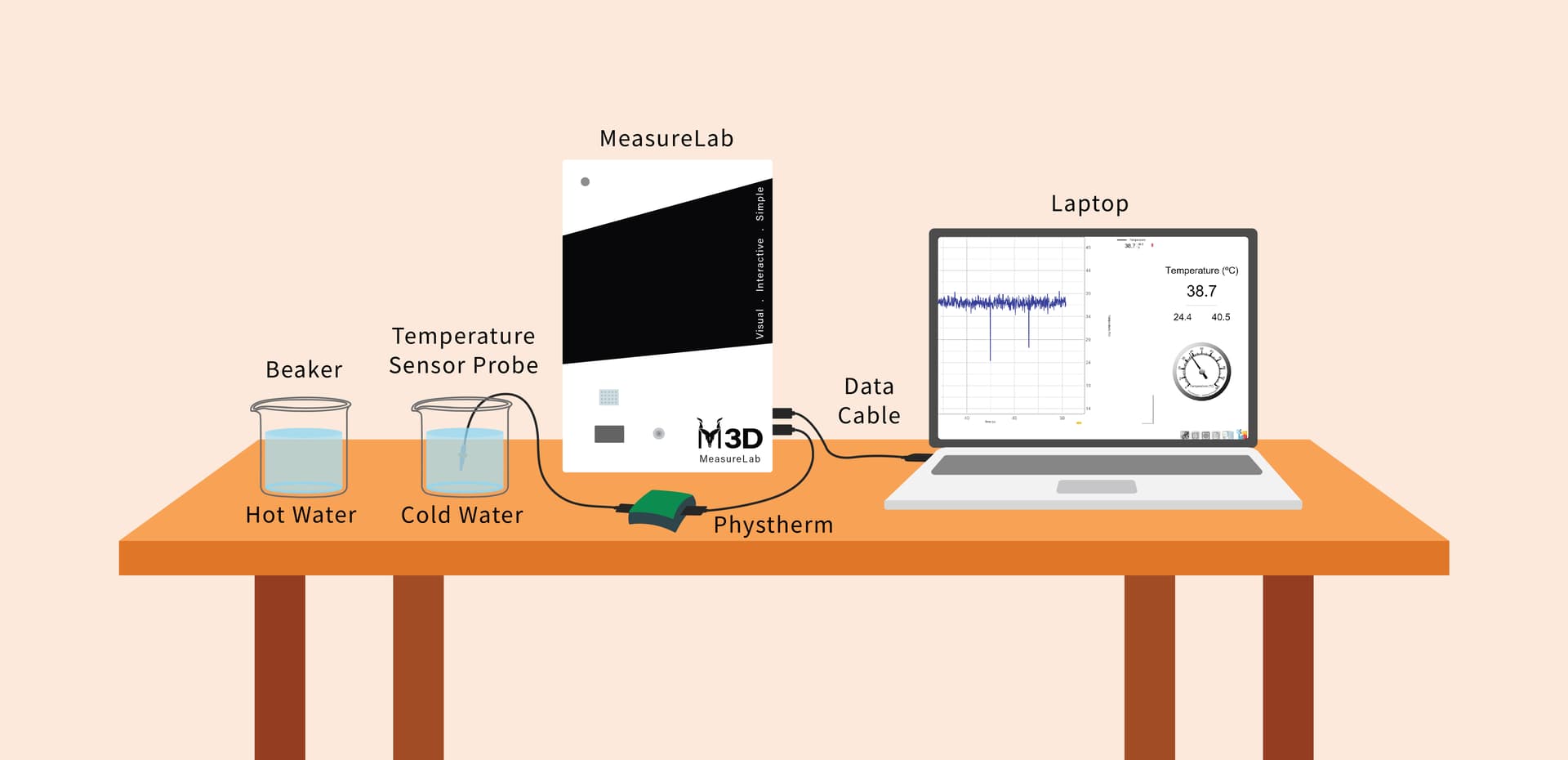
Your setup will look something like this:
Introduction: (10 minutes)
-
Set up the apparatus as shown in the diagram above. Ensure the temperature probe and is properly connected to the MeasureLab, and the objects (cold water, warm water, etc.) are prepared.
-
You may begin by asking students:
- “How does today feel? Is it hot or cold outside?”
- “Which season do you think is the hottest? What about the coldest?”
-
Build on their answers by asking:
- “Can you name something that feels really hot? What about something that feels cool?”
-
Encourage them to share examples like summer, winter, a hot cup of tea, or a cold ice cream. You may then say:
- “Today, we’re going to our special tool to measure how hot or cold things are. Let’s see if we can find out which objects are warmer or cooler.”
- “Our special tool is like a thermometer we use when we get sick! It can show the temperature of things on the screen.”
Hands-On Exploration (15-20 minutes):
Exploring Temperature with the Temperature Probe:
-
You may begin by saying:
- “Let’s start by feeling the cold water with our hands. How does it feel? Now, let’s use the probe to measure its temperature.”
-
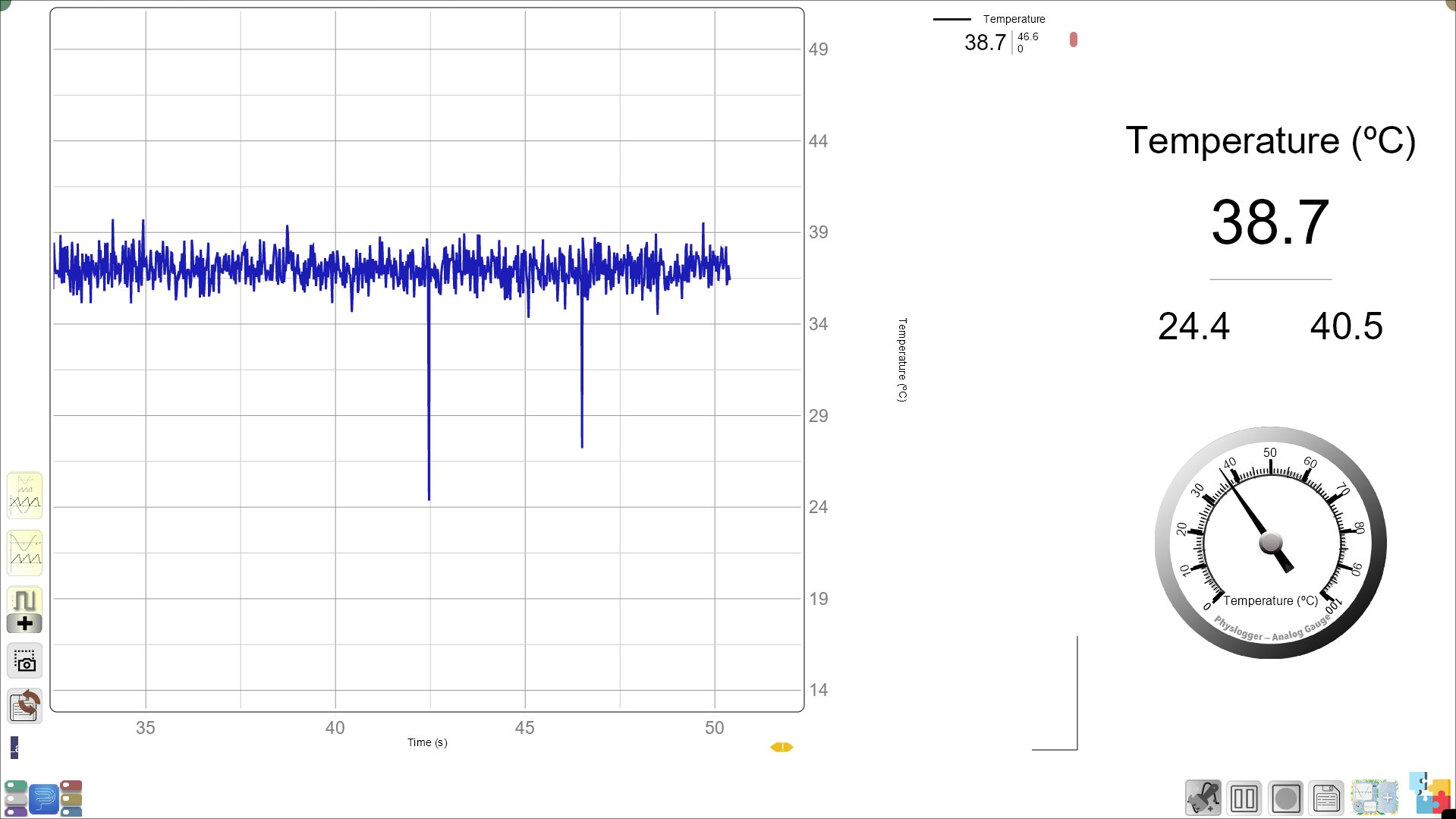
Place the probe in the cold water and observe the change on the screen. You may ask:
- “What do you notice about the number on the screen? Is it going up or down?”
-
Now, ask students to think about their favorite cold treats like ice cream. You may say:
- “Ice cream is cold too! What do you think would happen to the number if we could measure the temperature of ice cream?”
-
Move the probe to the warm water. You may ask:
- “How does this water feel? Is it warmer than the cold water?”
Real-World Connection:
-
You may ask:
- “Which season do you like more, summer or winter? Why?”
- “What are some things you do to stay cool in the summer? What about to stay warm in the winter?”
-
Build on their responses by relating the probe to everyday items:
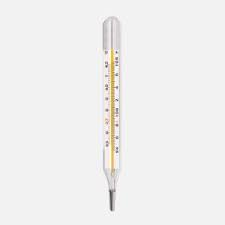
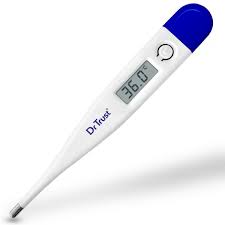
- “Just like our probe measures hot and cold, a thermometer at home tells us the temperature outside or when we have a fever.”
Guided Activity (15-20 minutes):
Worksheet Activity:
Worksheet Type: Colouring Activity
-
Temperature Tools Colouring:
- The worksheet will have illustrations of different temperature tools, like the temperature probe and thermometer. Students will colour the illustrations as a playful activity.
-
Hot vs. Cold Colouring Section:
- Provide images of different objects like ice cream, a hot cup of tea, a sunny day, and a snowman. Ask students to colour these images based on their temperatures:
- Red for hot objects (e.g., tea, sunny day).
- Blue for cold objects (e.g., ice cream, snowman).
- Provide images of different objects like ice cream, a hot cup of tea, a sunny day, and a snowman. Ask students to colour these images based on their temperatures:
Summary and Reflection (5-10 minutes):
-
You may summarize the key takeaways:
- “Today, we learned how to measure temperature using the temperature probe.. We saw that when something is warm, the number on the screen goes up, and when something is cool, the number goes down.”
-
Reflection Questions:
- “Which objects made the numbers go up the most?”
- “Did any object feel warmer or cooler than you expected?”
- “What do you think would happen if we measured the temperature of ice?”
-
Encourage students to share their observations and thoughts about how different objects’ temperatures are shown on the screen.
Glossary:
- Temperature: How hot or cold something is.
- Temperature Probe: A tool that measures temperature.
- Prediction: A guess about what will happen.