Grade 1 - Session 5: “Sound Detective”
Architect: Aleeza Ayaz - Markhor3D
Session Length: 50-60 minutes
Session Overview:
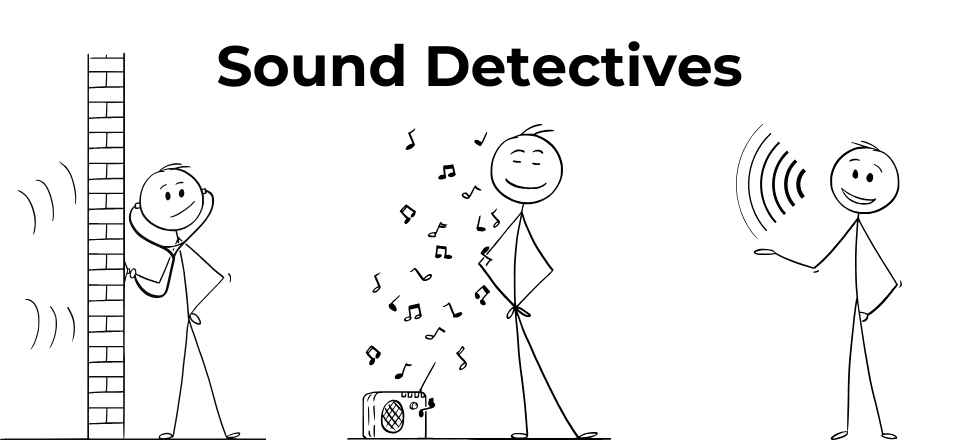
In this session, students become “sound detectives,” exploring how different sounds vary in loudness using MeasureLab’s sound sensor. Through playful activities like clapping, whispering, and experimenting with various sound-making objects, students will observe how louder sounds make the numbers on the screen go higher, while quieter sounds keep them lower. This interactive session encourages students to intuitively understand sound intensity and introduces them to measuring sound levels in a fun, engaging way.
Equipment Required:
- MeasureLab with built-in sound sensor.
- A variety of objects that can make different sounds (e.g., bells, whistles, musical instruments).
- Laptop or PC for displaying sound intensity measurements.
- Worksheets with illustrations of different sound sources and graphs for students to complete based on their observations.
- Colouring materials (crayons, coloured pencils, markers).
Learning Objectives:
In this session, students will:
- Use the sound intensity sensor to explore how different sounds are louder or quieter.
- Experiment with various sounds like clapping, talking, and making noises.
- Understand how sound levels are shown on the screen, associating louder sounds with larger numbers and quieter sounds with smaller numbers.
- Recognize how our equipment can help us measure and compare sound levels intuitively.
Teacher Resource:
Session File: ML15.plf (55.6 KB)
Teaching Aids:
- Projector (optional).
Preparation:
This step has to be done before the session on each workstation/apparatus by the teacher/session instructor:
- Make sure that each computer has Physlogger installed and can detect the Measrelab when connected to it using the provided cable.
- Each Measurelab should have access to a power outlet for sensors that require external power. For this session, the sound sensor will be used which does not require an external power source.
- Launch the Physlogger application and load the session file provided in the resources section.
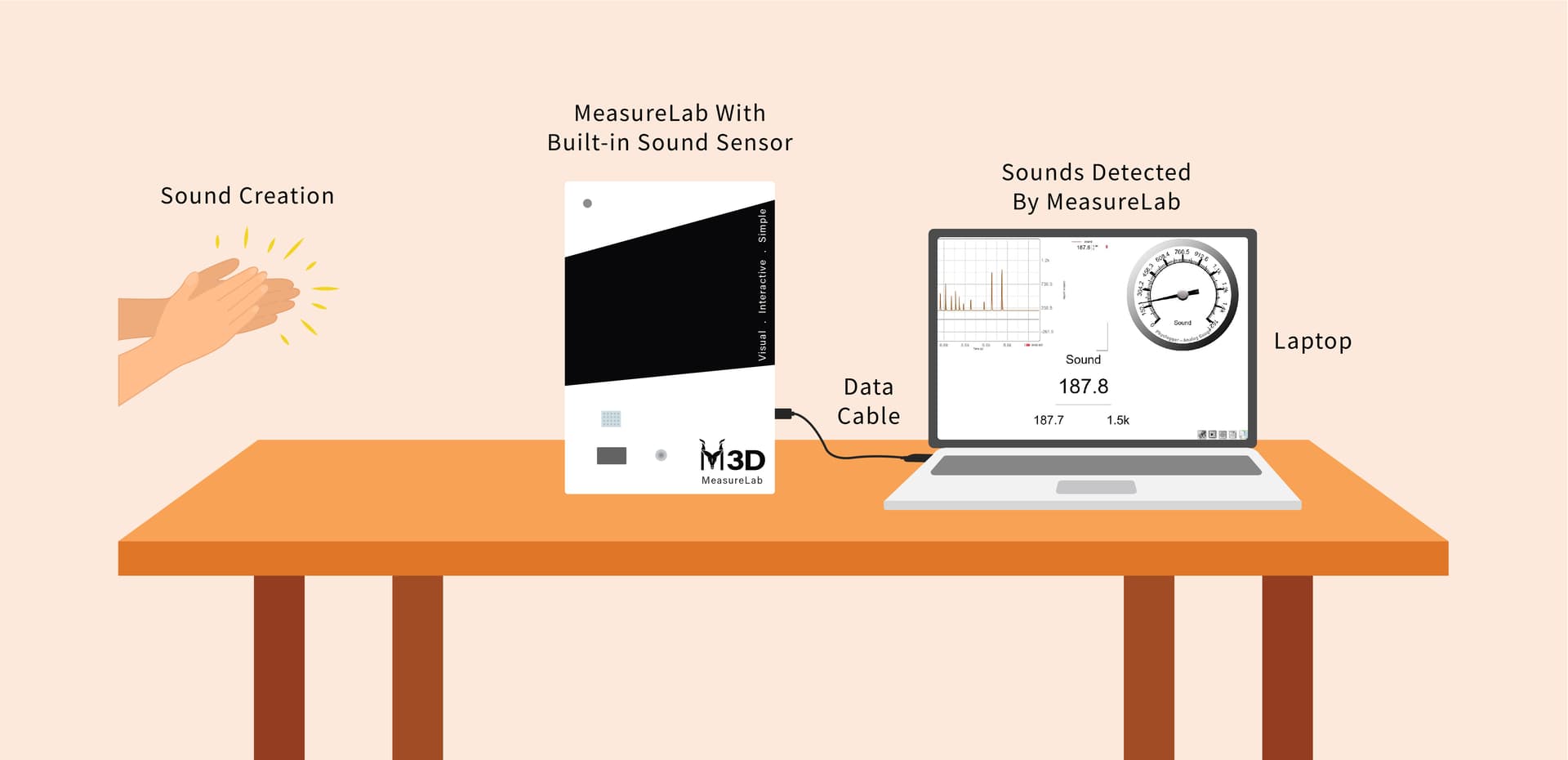
Your setup will look something like this:
Introduction: (10 minutes)
-
Set up the apparatus as shown in the diagram above.
-
You may start by engaging students with questions:
- “Where have you heard really loud noises? Maybe at a construction site or during a thunderstorm?”
- “Can you think of places that are very quiet, like a library or early in the morning?”
-
After they share their answers, you may continue:
- “Today, we are going to be sound detectives! We’ll explore different sounds and see how loud or quiet they are using a special tool called the sound sensor. We’ll see how our voices, claps, and even the sounds we make with objects look on the screen!”
Hands-On Exploration: (20-25 minutes)
Exploring with Sounds:
- Begin with simple sounds. You may ask:
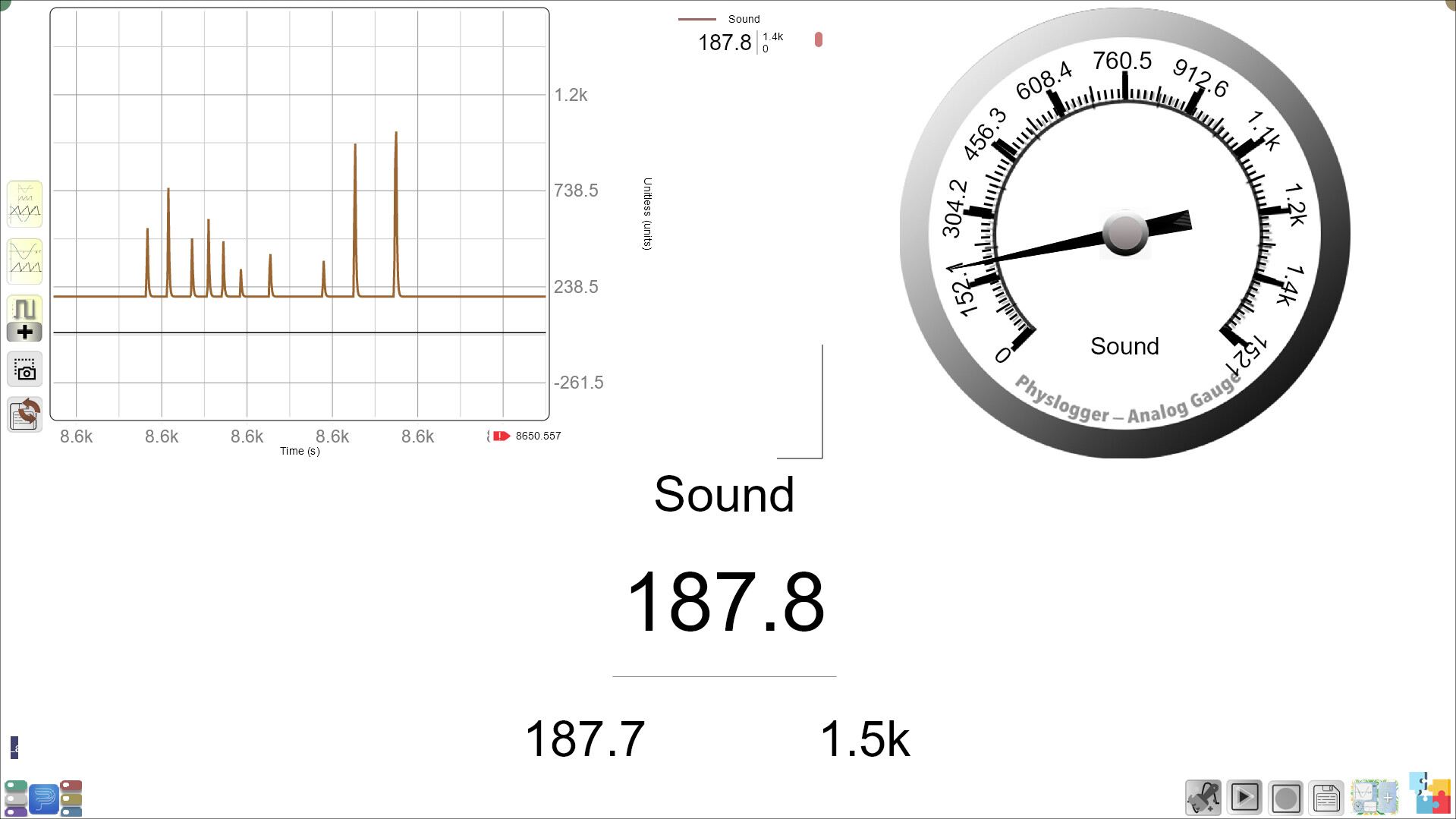
- “Let’s start with a clap. Clap your hands! Look at the screen—what do you see? Is the number going up or down?”
-
Encourage students to observe the screen and notice how the number changes:
- “The number goes up when the sound is louder. Now, let’s try to whisper. What do you think will happen to the number? What about the sound meter?”
-
Move on to using different objects like bells or musical instruments:
- “What sound does this bell make? Is it louder or quieter than clapping? Look at the screen and tell me what happens to the number.”
-
Let each student make different sounds such as clapping, snapping, knocking etc. and observe the screen, helping them link the intensity of sound to the number on the screen.
Introducing Everyday Examples:
-
Engage them with questions:
- “Have you ever heard the loud noise of traffic? What about the quiet sound of raindrops? Let’s try making different sounds and see what they look like!”
-
Explain that loud sounds like a honking car will make the number on the screen go higher, while quiet sounds, like a gentle whisper, will make the number stay low.
Guided Activity (15-20 minutes):
Worksheet: Exploring Sound Levels and Sources
1. Sound Hunt Around the Classroom
Walk around the classroom and identify different sounds. Write down the sound you hear and estimate whether it’s a low, medium, or high sound intensity. Then, share your results with the class.
-
Sound 1: ________________________
Estimated Sound Intensity: (Circle one)
Low / Medium / High -
Sound 2: ________________________
Estimated Sound Intensity: (Circle one)
Low / Medium / High -
Sound 3: ________________________
Estimated Sound Intensity: (Circle one)
Low / Medium / High -
Sound 4: ________________________
Estimated Sound Intensity: (Circle one)
Low / Medium / High
2. Colour the Sound Levels
Colour the scenes based on how loud or quiet you think they are, and circle the correct sound level.
-
Scene 1: Busy Road
Circle one: Low / Medium / High
(Colour the scene) -
Scene 2: Quiet Park
Circle one: Low / Medium / High
(Colour the scene)
3. Follow-up Questions
- Which sound did you find to be the loudest?
- Which sound was the quietest?
- Which environment would be best for reading a book? Why?
Summary and Reflection (5-10 minutes):
-
You may wrap up by saying:
- “Today, we became sound detectives! We explored different sounds and saw how loud or quiet they were using the sound sensor. We learned that louder sounds make the number on the screen go higher, and quieter sounds make it stay low.”
-
Reflection Questions:
- “Which sound had the largest number?”
- “What was the quietest sound you heard today?”
- “Where have you heard loud or quiet sounds outside the classroom?”
-
Encourage students to share their thoughts and what surprised them about the different sounds they explored.
Glossary:
- Sound Intensity: How loud or quiet a sound is.
- Sound Sensor: A tool that helps us measure how loud or quiet a sound is.
- Prediction: A guess about what will happen.