If you are currently using PhysBox, the very first problem you will encounter is that the entire “Hands-on Science” curriculum is based around MeasureLab. At first, it might seem tricky to adopt experiments from MeasureLab to PhysBox but since both setups are based on the same core device called “Physlogger”, the transition only requires you to understand the similarities and differences among the two.
In this topic, we will explore both of them:
Physical Differences:
The clear difference between the two you’ll notice first is their form factor. PhysBox has a data logger and all of it’s sensors are provided separately which can be attached to it via plug-and-play.
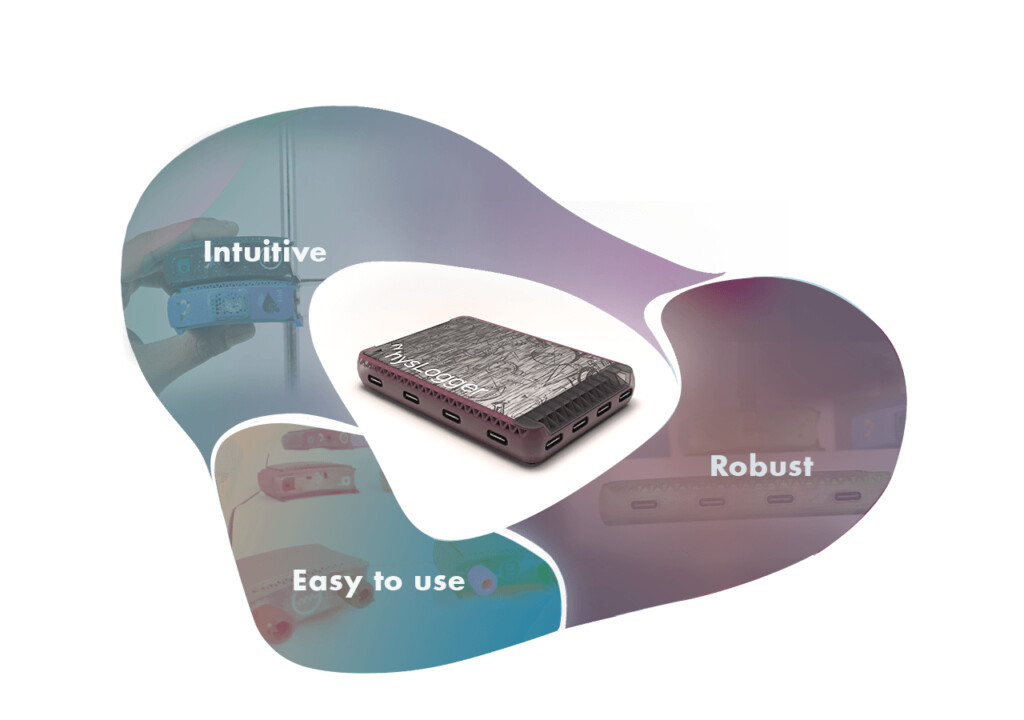
On the other hand, MeasureLab comes equipped with lots of sensors in addition to providing the same plug-and-play ports for additional sensors.
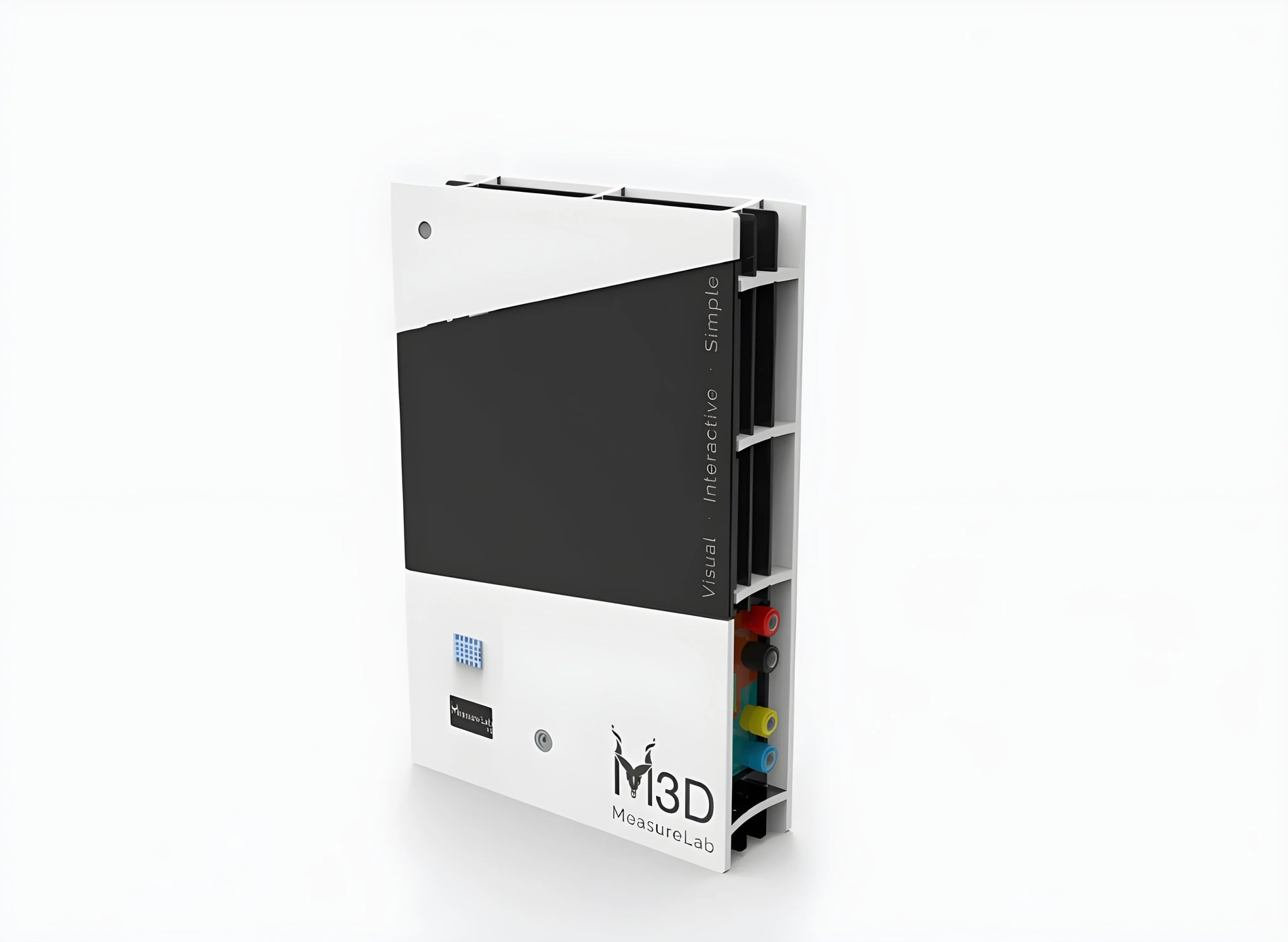
If you go the setup guide for MeasureLab, you will see a detailed port layout for it as follows:
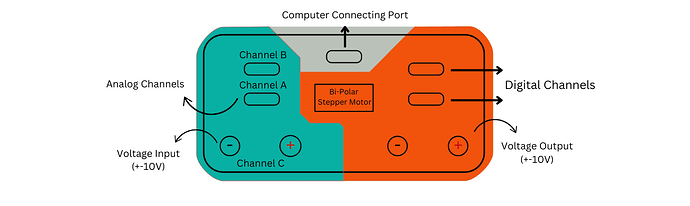
Similarly, a layout for PhysBox is as follows:

Similarities:
Both devices come equipped with 4 ports to connect different sensors to them.
- Channel A and Channel B are both Type C ports, which are the same in both devices.
- The digital channels marked on the MeasureLab can be used with any digital sensor. Similarly, the available ports on Physbox apart from Analog Channels, PC and Power port can be used for digital sensors.
Differences:
- Physbox has a Type C port for Channel C while MeasureLab uses Banana Connectors to connect any input device. The input is rated at 10 volts.
- Physbox has a Channel D port while MeasureLab does not. Instead, MeasureLab comes with a Pulse Sensor which is internally connected to Channel D.
Software Differences:
The working software for both devices called “Physlogger” looks the same for both. But, in order to use the template files linked with each session, you would have to update your software to the lastest version with MeasureLab support.
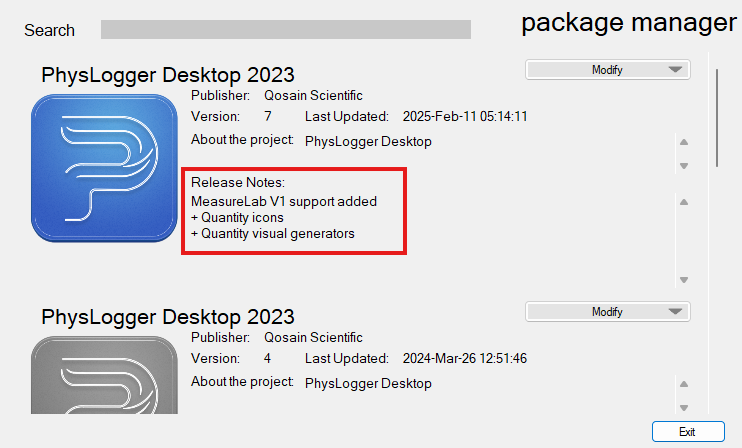
You can download the latest software by clicking this Button.