Advanced Guide: Changing Print Settings on the Go
While printing with the Enabler D8500, you can make minor adjustments to your print settings as you are printing. You may need to change the nozzle height for certain parts while printing, or you may come across certain segments of your print which need slower speeds to print properly.
You can easily make these changes as you print using the joystick. These adjustments enable you to fine-tune the print quality during each layer or segment of your print, as you see fit.
To make these adjustments, you can use the joystick controls as follows:
- Joystick UP: Raise the nozzle by 0.05mm.
- Joystick Down: Lower the nozzle by 0.05mm.
- Joystick Right: Increase the print speed by 10%.
- Joystick Left: Decrease the print speed by 10%.
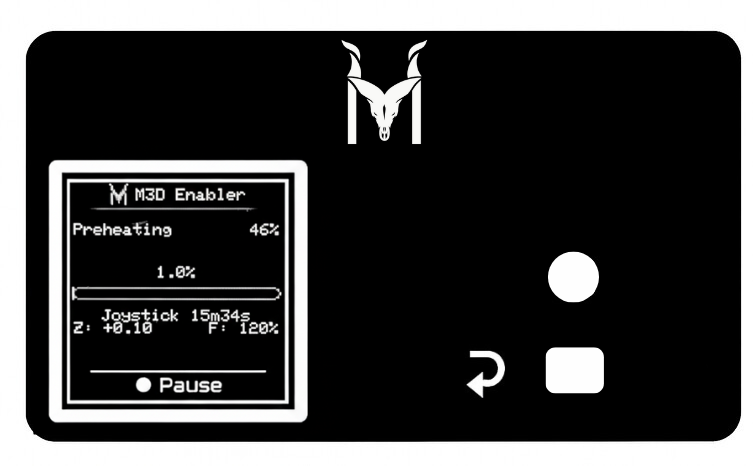
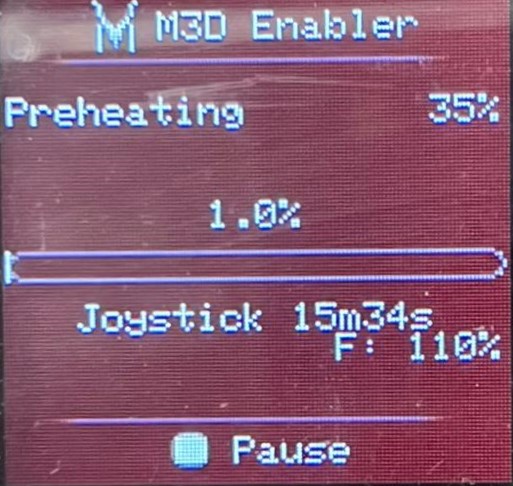
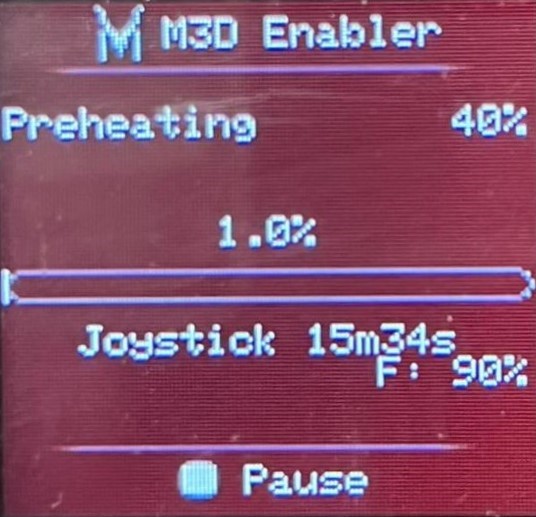
You will be able to status of nozzle height on the bottom left of the screen and the speed changes on the right side of your screen, right next to the live status of your print.
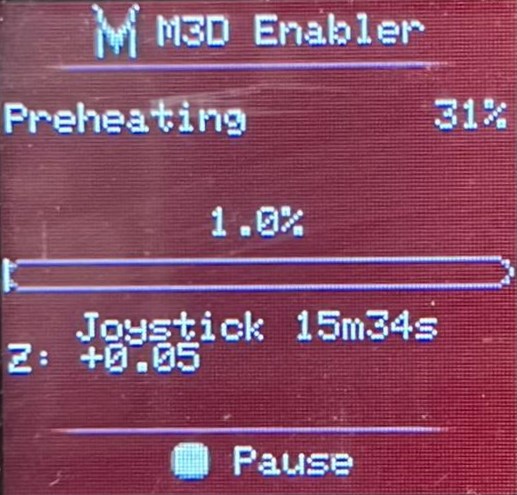
If you have raised the nozzle once, you will be able to see Z +0.05 on the screen as follows:
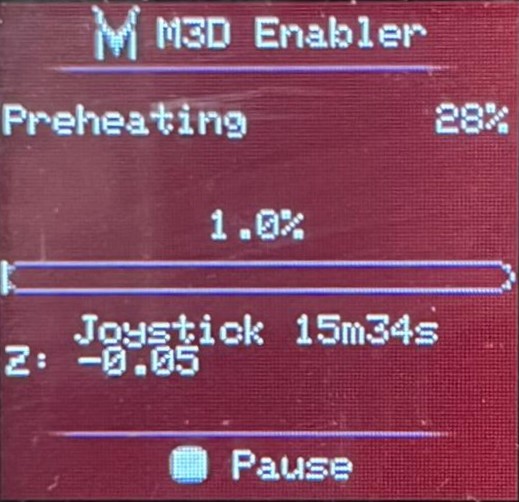
If you have lowered the nozzle once, you will be able to see Z -0.05 on the screen as follows:
If you have increased the speed once, you will be able to see F:110% on the screen as follows:
If you have decreased the speed once, you will be able to see F:90% on the screen as follows:
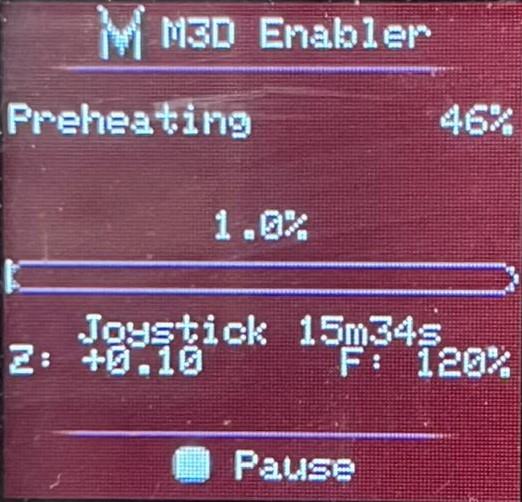
An example of a print with nozzle raised by 0.10mm and a speed increase by 20% will look like this on the screen: