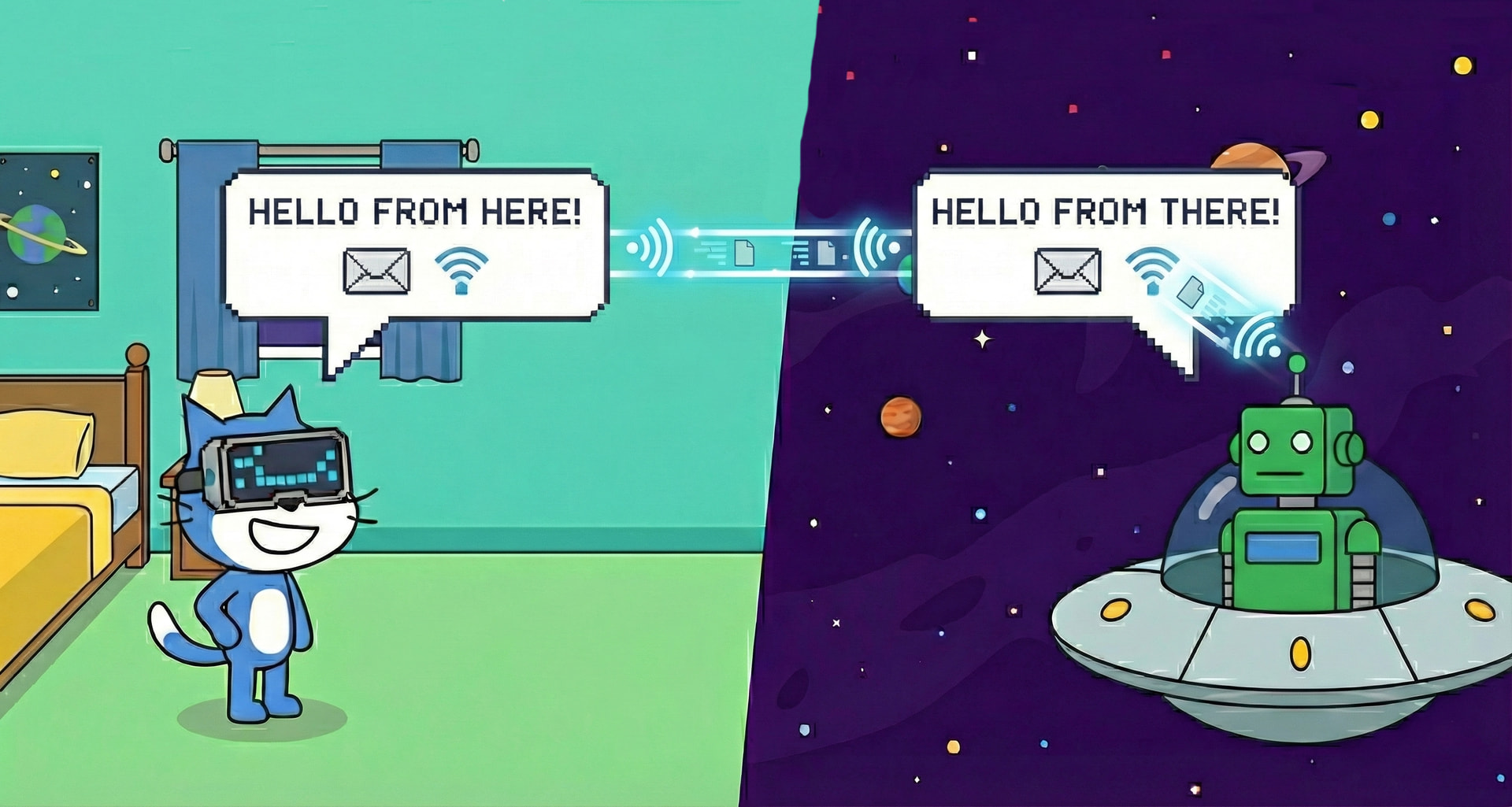
Among the suit of extensions available on M3D Scratch, there is a custom made extension called M3D Whisper.
This extension allows students to create connected projects, enabling real-time communication and data sharing between different users in the same room.
How does it work?
Instead of projects operating in isolation, Whisper creates a shared network environment. Students can send direct messages (Whispers) to specific users or use a public “Mailbox” system to sync data across multiple projects instantly.
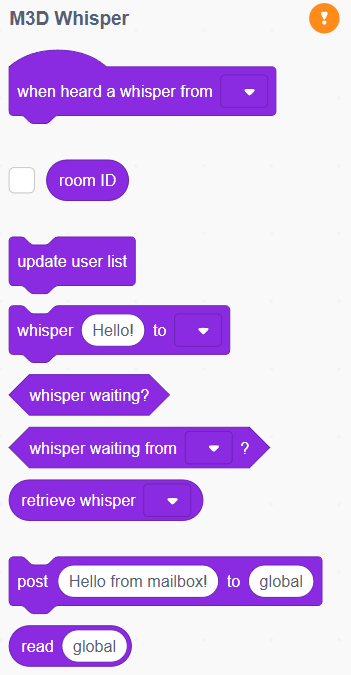
It comes equipped with the following blocks:
Direct Communication (Whispering):
Whisper allows students to send private strings or data to another user in their current room. This is perfect for building multiplayer games or chat applications:
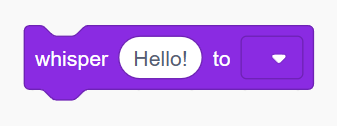
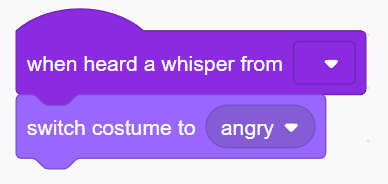
Once a whisper is sent, the receiving project can trigger an action immediately using the hat block.
For example:
Status Blocks:
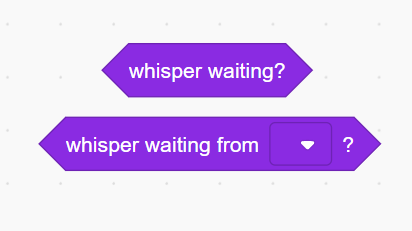
There are blocks which help you manage the connection state. These allow your code to wait until a message is actually available before trying to read it:
The Mailbox (Shared Data):
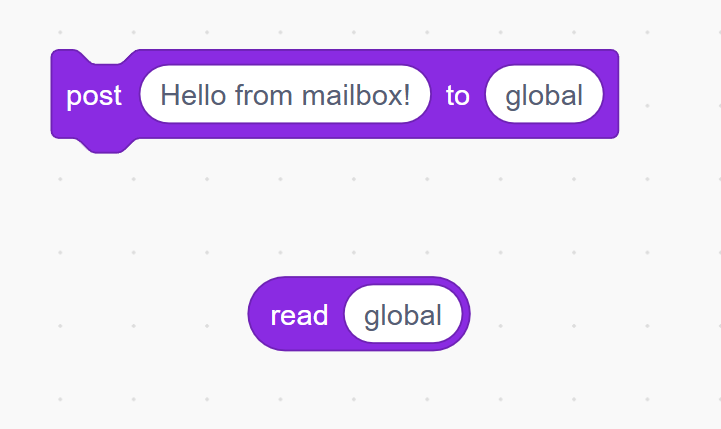
There is a powerful system called the “Mailbox” which acts like a shared cloud variable. Anyone can “post” a value to a topic, and anyone else can “read” the latest value from that topic:
Building Collaborative Projects:
In addition to simple messages, you can use the Room ID and User List to create complex interactions where players can see who else is online.
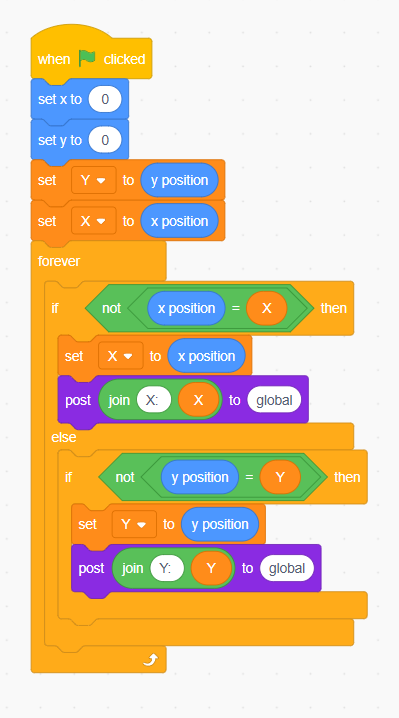
An example of syncing a character’s position across two computers is as follows:
The project posts the Sprite’s X-position to a mailbox topic called “Player1_X”. Other students in the same room can read that value to update where they see Player 1 on their own screens.
Sample code for this project will look something like this: