Grade 4 – Session 8: “Environmental Explorers—Microclimates”
Session Architect: Aleeza Ayaz - Markhor3D
Session Length: 50-60 minutes
Session Overview:
In this session, students actively explore the concept of microclimates by measuring and comparing temperature, humidity, and light levels in two different outdoor locations—a sunny area and a shady spot. Using MeasureLab’s sensors, they will gather data on environmental conditions in both locations, record their findings, and analyze how these conditions differ. Through hands-on investigation, students will predict outcomes, observe real-time data, and discuss why their predictions matched (or didn’t match) the actual results. This exploration allows them to connect what they measure to real-world applications, understanding how varying conditions affect everyday life, plant and animal habitats, and the local environment.
Learning Objectives:
In this session, students will:
- Understand how microclimates are created by different environmental conditions (temperature, humidity, light).
- Learn to measure and compare conditions in sunny vs. shady areas using sensors.
- Develop a basic understanding of humidity and how it affects daily life.
- Practice collecting and analyzing environmental data using MeasureLab.
- Engage in reflection and critical thinking to connect findings to real-world examples.
Teacher Resource:
Session File: ML48.plf (57.7 KB)
Equipment Required:
- MeasureLab with built-in temperature, humidity, and light sensors.
- Two areas for comparison: one sunny spot and one shady spot (outdoor setting).
- Laptops for displaying live data (optional, but recommended).
- Clipboards and worksheets for data recording.
- Pens, pencils, markers, etc.
Teaching Aids:
- Projector for displaying live data and plots (optional).
- Physical examples to represent water vapor, such as a damp cloth or a mist sprayer.
Preparation:
This step has to be done before the session on each workstation/apparatus by the teacher/session instructor:
- Make sure that each computer has Physlogger installed and can detect the Measrelab when connected to it using the provided cable.
- Each Measurelab should have access to a power outlet for sensors that require external power. For this session, we will use Ambient Temperature Sensor, Light Sensor and Humidity Sensor which requires an external power source.
- Launch the Physlogger application and load the session file provided in the resources section.
- In this session, we will have 3 different workspaces which will show the value of our three sensors in separate spaces:
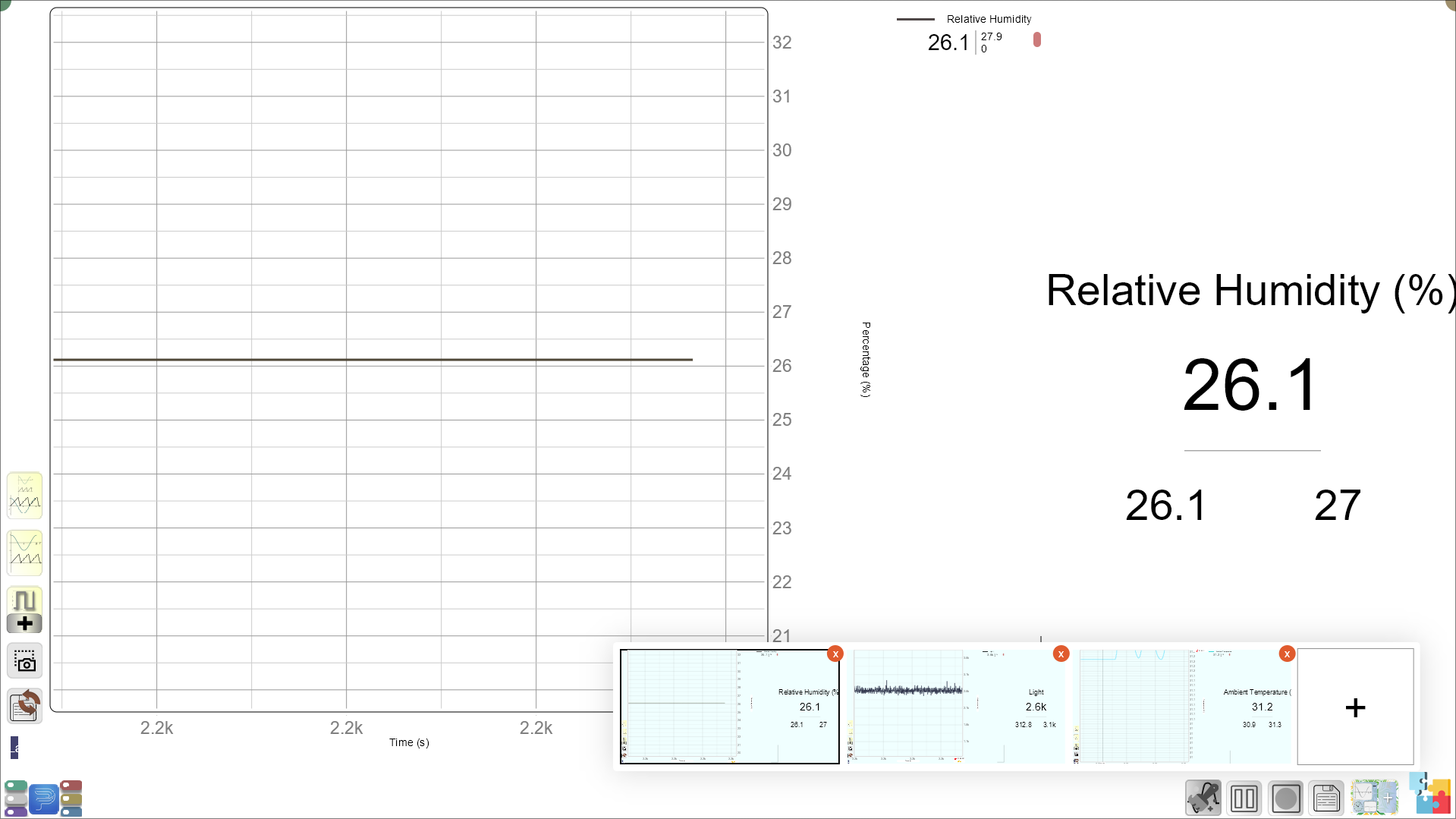
Make sure that the students are familiar with the workspaces and can switch between the workspaces with ease.
Your setup will look something like this:
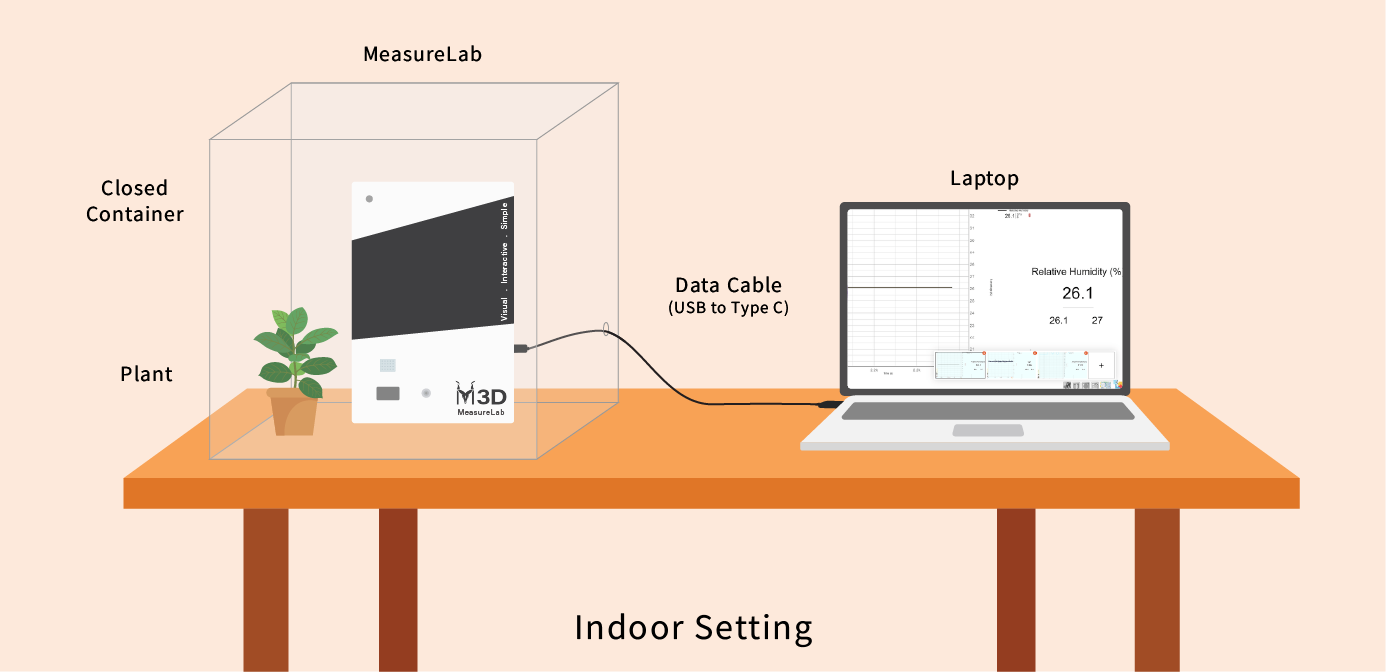
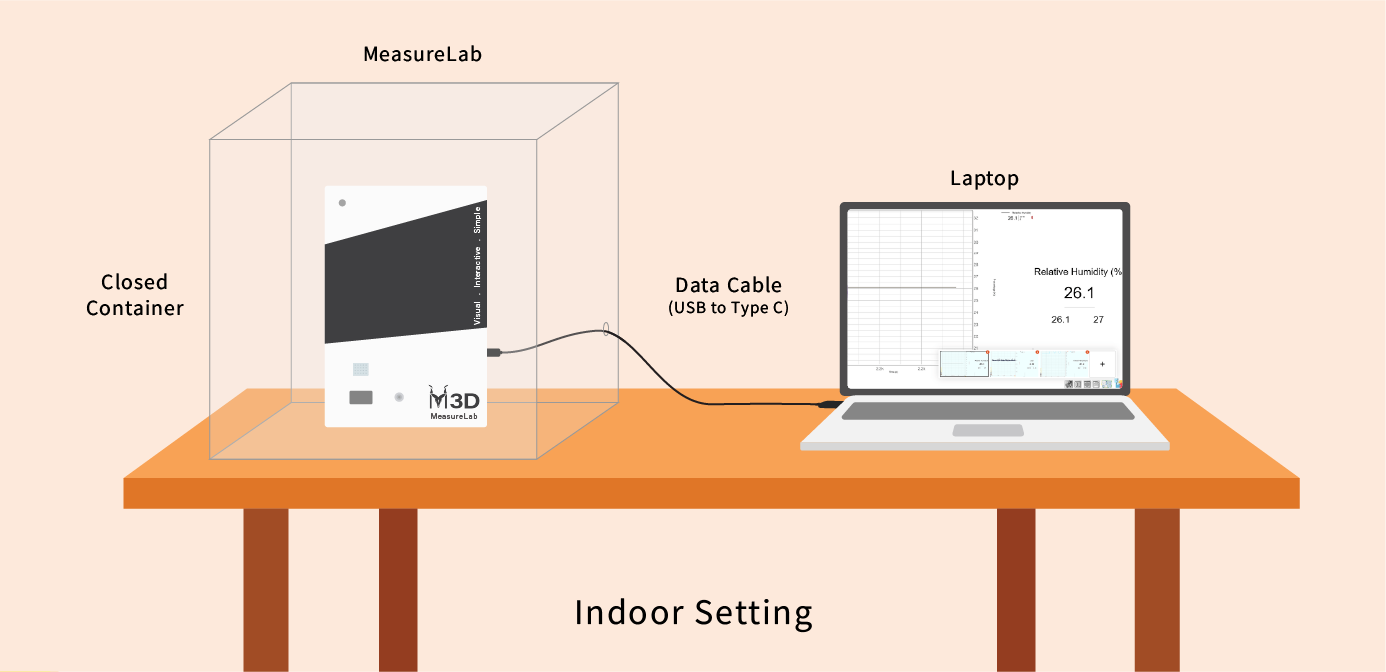
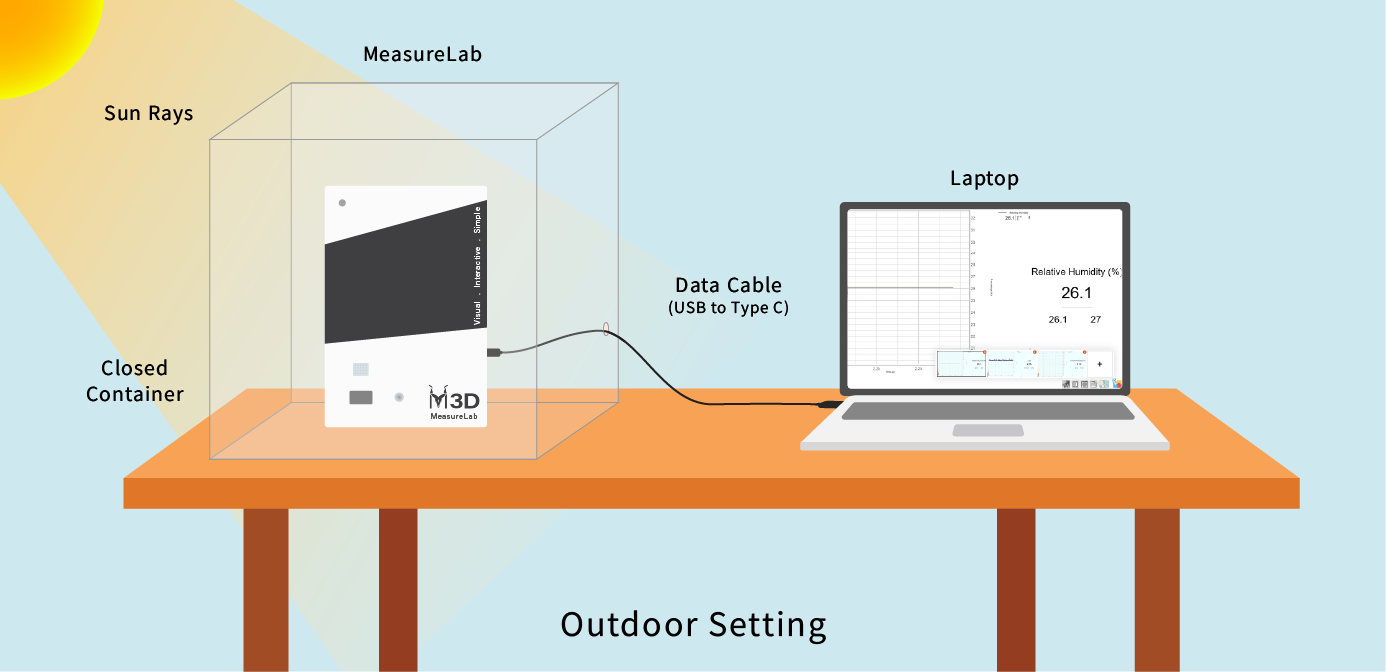
Introduction: (10-15 minutes)
Seasons Discussion:
- The teacher may begin by asking,
“Can anyone tell me what season we’re in right now? What do we experience during this season?”
- Guide students into discussing the monsoon season, asking, “How does the weather feel during monsoon? Does the rain make the air feel different?”
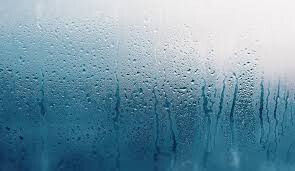
- Students may mention that the air feels heavy or wet. The teacher will build on this by introducing humidity:
“Yes! That ‘wet’ feeling is because there is more water in the air. We call this humidity.”
Explaining Humidity:
- Ask,
“Do you think water only exists in rivers and oceans? Or could it be in the air too?”
- After some guesses, explain:
“Water exists all around us, and in the air, it’s in the form of a gas called water vapor. When there’s more water vapor in the air, we say it’s more humid.”
Introducing Microclimates:
- Transition by asking:
“Have you ever noticed how it feels cooler in the shade than in the sun, even if you’re outside in the same place? That’s because places can have their own mini weather systems, or what we call microclimates; micro means small, so climates in a small area.”
- Let them explore the concept of microclimates intuitively. Ask:
- “Why do you think the air feels different in the shade versus in the sun?”
- “Have you ever noticed how your clothes take longer to dry when it’s humid? Why might that happen?”
Hands-On Exploration: (25-30 minutes)
Outdoor Activity:
-
Divide the students into groups and head outside to two areas (one sunny and one shady).
-
Step 1: Introduce the temperature, humidity, and light sensors attached to MeasureLab.
- Guide students to understand that these sensors help us “see” things we usually can’t, like how much water vapor is in the air (humidity), how hot it is (temperature), and how much light is present.
Making Predictions:
-
Before starting the measurements, have students make predictions. You may ask:
- “Which area do you think will have higher light intensity?”
- “Where do you think it will be more humid—the sunny spot or the shady spot?”
- “Which area do you think will be cooler?”
-
Have them note down their predictions on their worksheets.
Collecting Data:
- Step 2: Each group will go to their assigned area (sunny or shady) and collect data using the sensors.
- MeasureLab will display the temperature, humidity, and light readings for both areas.
- Students will record the measurements on their worksheets.
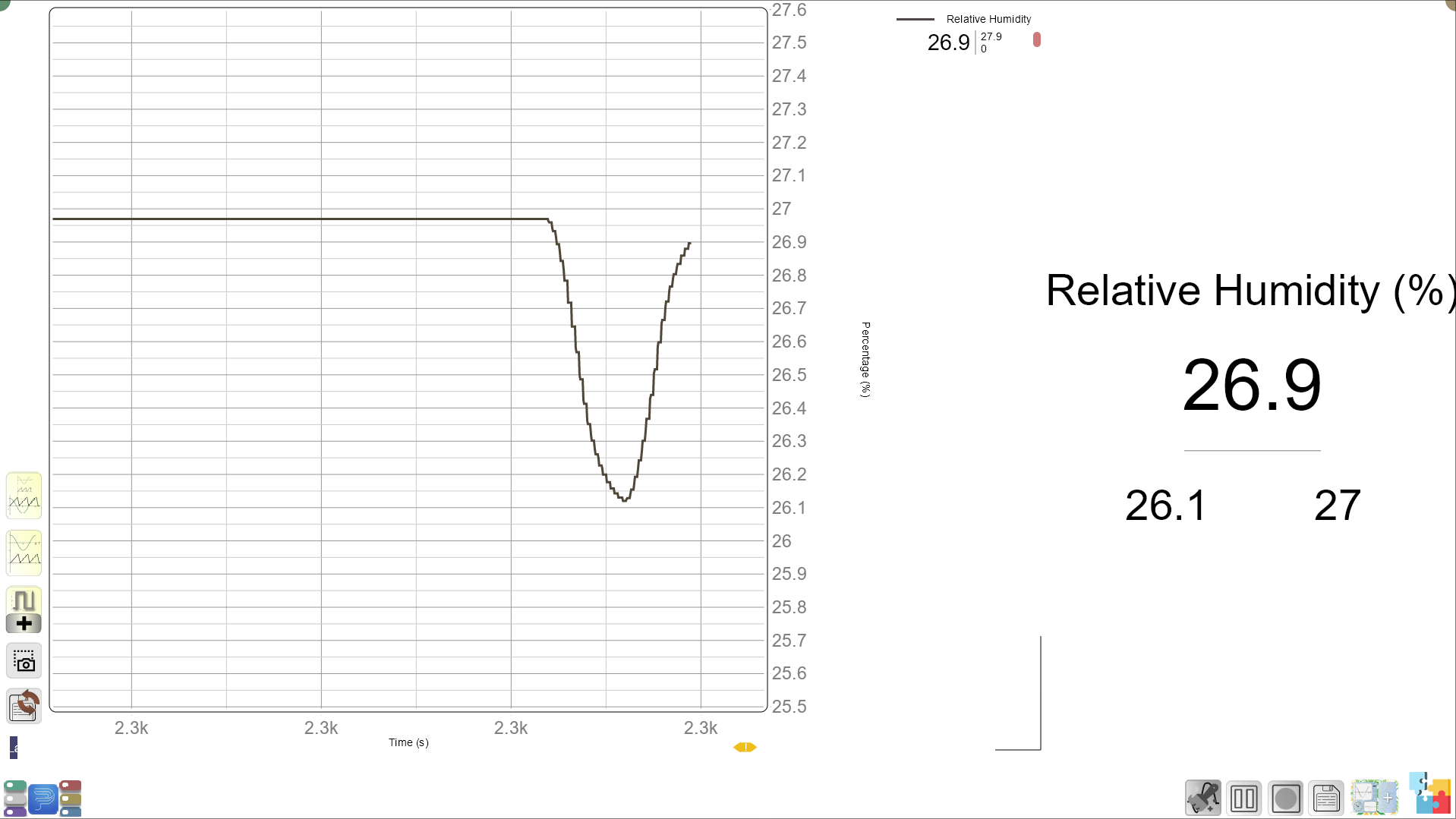
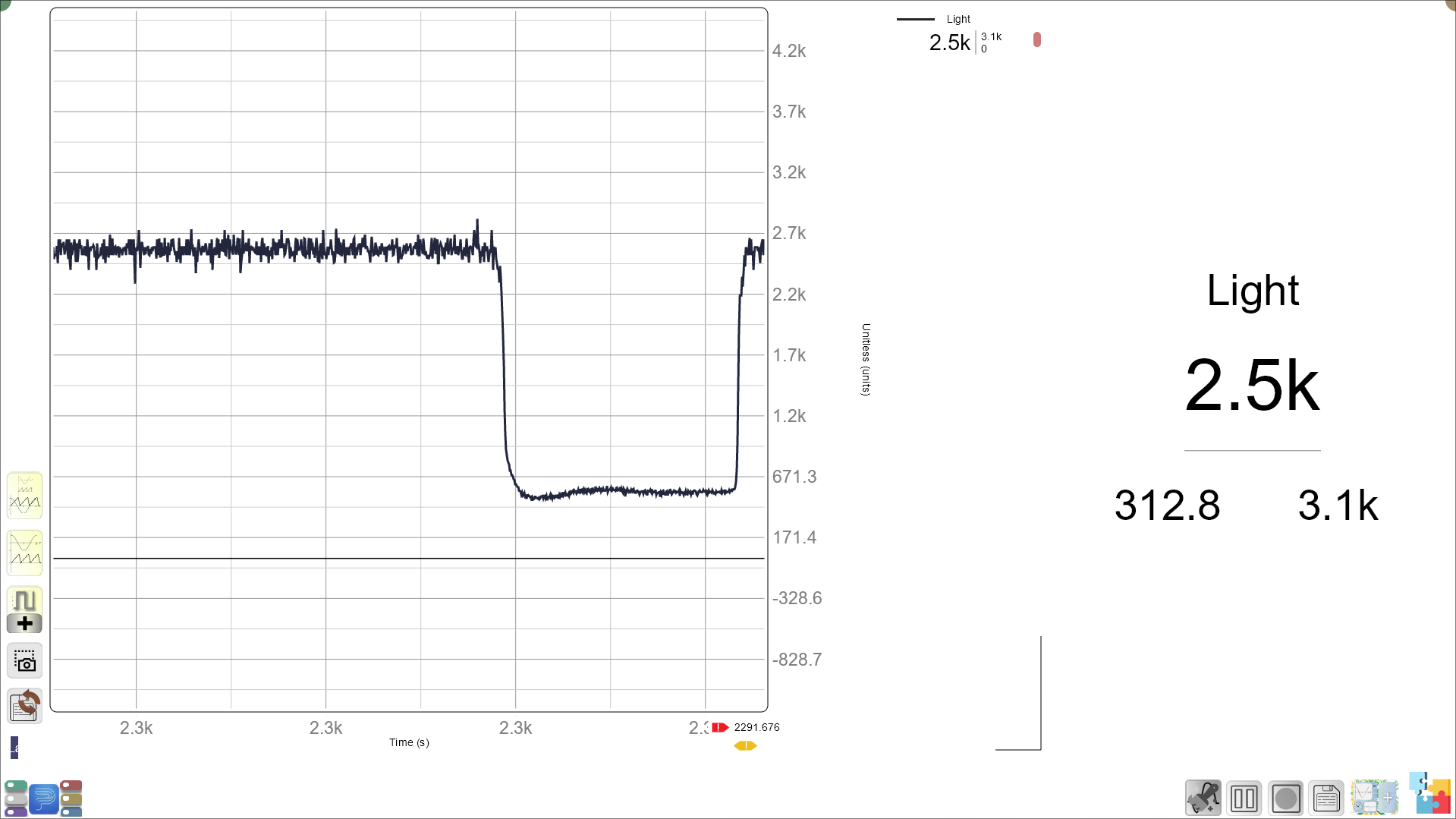
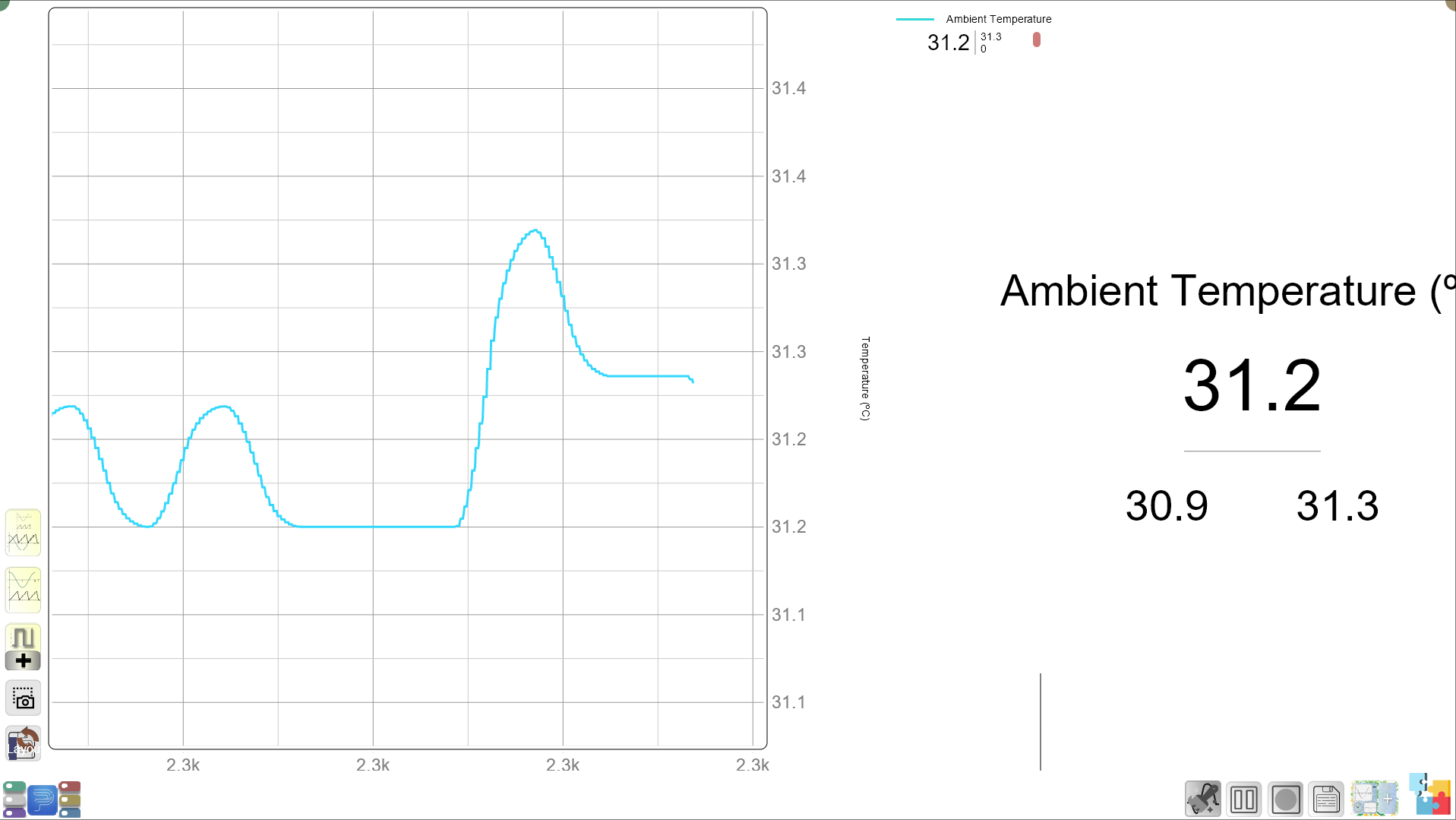
- Step 3: Once data is collected from both areas, students will switch places and gather data from the other location for comparison.
Observing and Recording Results:
- You may guide students to ask:
- “How does the temperature compare between the sunny and shady areas?”
- “Was there more or less humidity in the sun or shade?”
- “Did the light intensity change? What does that tell you about the area?”
Guided Activity: (15 minutes)
Reflection Questions:
- Once the data is collected, the teacher will gather the students for a group discussion, asking:
- “Which area had the higher humidity? Why do you think that happened?”
- “Why do you think the shady area was cooler than the sunny area?”
- “What could this mean for plants or animals that live in these areas?”
Introduce the water cycle:
“Humidity is part of the water cycle. Water from lakes, rivers, and oceans evaporates into the air as water vapor, and this is what we feel when it’s humid.”
- Ask students, “Why do you think clothes take longer to dry when it’s humid? What happens when the air is already full of water vapor?”
Link to Real-Life Examples:
- You may ask:
- “Do you notice that places with lots of trees or water feel cooler? Why might that happen?”
- “What about during the monsoon season—does the air feel different before or after it rains?”
Worksheet Activity:
1. Prediction Section: In this section, students will write their predictions before they measure the environmental conditions.
- What do you think will happen?
- Do you think the temperature will be higher in the sun or shade? Why?
- Do you think the humidity will be higher in the sun or shade? Why?
- Will the light intensity be higher in the sun or shade? Why?
2. Data Collection Table: Here, students will record their actual observations after using MeasureLab to measure temperature, humidity, and light intensity in both the sunny and shady areas.
| Condition | Sunny Area (High/Low) | Shady Area (High/Low) |
|---|---|---|
| Temperature | ||
| Humidity | ||
| Light Intensity |
3. Reflection Questions: Students will reflect on their observations and compare them to their predictions.
- Was your prediction correct? (Circle one)
- Yes / No
- If not, why do you think your prediction was different?
- Why do you think the temperature was different between the sunny and shady areas?
- Why do you think the humidity was different in these two areas?
- What could the differences in light, temperature, and humidity mean for animals or plants living in those areas?
Summary and Reflection (5-10 minutes):
- The teacher will summarize the key takeaways:
“Today, we learned that different areas can feel different because of how much light, heat, and water vapor is in the air. Even in the same place, we can find micro-climates, called microclimates.”
- You may ask students to reflect:
- “Why is it important to know about humidity? How does it affect our lives?”
- “What other places can we find microclimates? What about the places you play in or where animals live?”
Glossary:
- Humidity: The amount of water vapor in the air.
- Microclimate: A small area with a climate different from the surrounding areas.
- Water Vapor: Water in the form of a gas in the air.
- Temperature: A measure of how hot or cold something is.
- Light Intensity: How bright or strong the light is in an area.
- Evaporation: The process of water turning into vapor and entering the air.