Session 3: Math Test with Your Robot Teacher
Session Architect: Muhammad Bilal
Session Length: 40-50 minutes
Equipment Required:
- M3D Robotics kit with display screen.
- Laptops with the on-screen gamepad pre-loaded.
- Paper and pencils for students to note down their math answers.
- A simple reward (e.g., stickers or stamps) for students who complete the test.
Learning Objectives:
- Use the gamepad to interact with the robot and solve math problems.
- Practice addition and subtraction by selecting problems on the robot’s display.
- Reinforce basic math skills through interactive and engaging robot-based learning.
- Each student in the group must complete the test individually to pass.
Resources:
Scratch code file:
Grade 1 Session 3.sb3 (3.1 MB)
1. Introduction: Meet Your Robot Teacher (10 minutes)
Activity:
Start by introducing the robot as the students’ teacher for the day. Make it fun by explaining that the robot will check their answers and even react just like their real teacher!
Instructions:
You might say:
“Today, your robot is going to be your math teacher! It’s going to give you math questions, and it will react to your answers—just like I do! If you get it right, the robot will cheer for you, but if you get it wrong, it might look surprised! Let’s see how many of you can pass the test!”
-
Guide the students to turn on their robots, attach the display, and connect it to their laptops. Explain that they will each take the test, and the robot will tell them whether their answer is correct or not.
-
Use the maximize feature to hide the code so that students can just focus on the interactive screen:
-
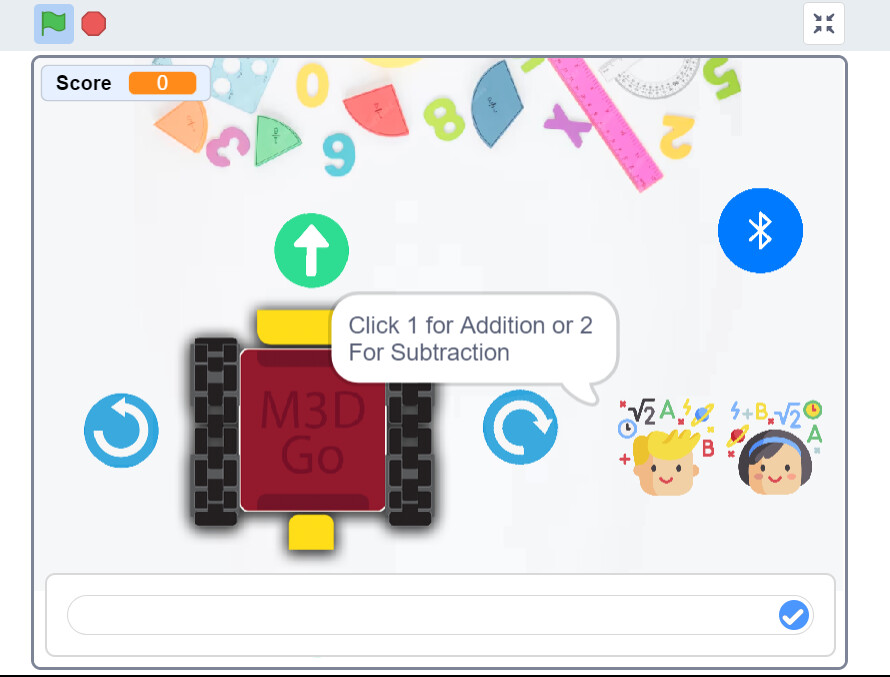
Show them the Math Test button on the screen. Explain that they’ll press this button to start their test, and the robot will ask them math questions. Each student will answer the questions individually.
-
You may add:
“Each one of you will take the test on your own, and you have to answer 10 questions correctly to pass. Let’s see how well you do!”
- Encourage them to keep track of each other’s score.
Teacher’s Role:
- Help students set up their robots by attaching the display and ensuring the robot is connected properly.
- Walk them through how to start the Math Test and explain how the robot will react to their answers.
2. Starting the Math Test (10 minutes)
Activity:
Explain that the students will choose between addition and subtraction problems by selecting an option. The robot will display the questions, and they’ll need to answer correctly to pass.
Instructions:
You can say:
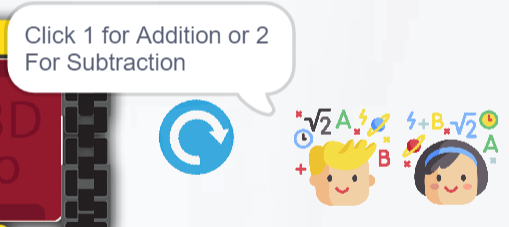
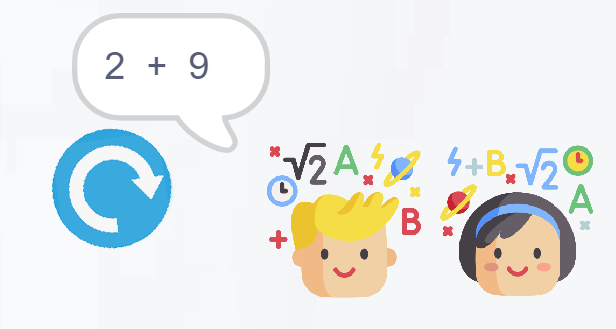
“When you press the Math Test button, the robot will ask you a question. You can choose if you want an addition or subtraction question by pressing 1 for addition or 2 for subtraction. Then, answer the question, and let’s see what the robot says!”
-
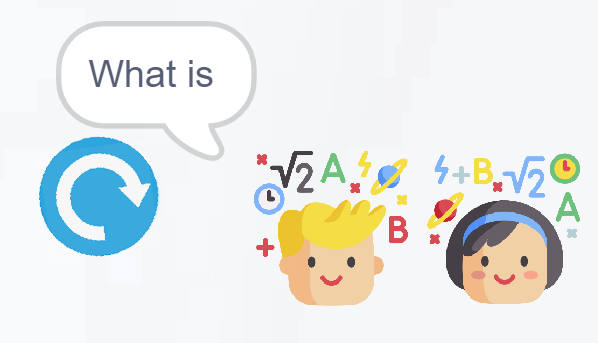
Guide them through the process of selecting their question type and answering the math questions. The robot will react with expressions based on their answers (e.g., cheering for correct answers or showing a sad face for wrong answers).
-
Encourage them to keep going until they get 10 correct answers to pass the test. They can see their score at the top left corner:

Teacher’s Role:
- Assist students as they navigate the test, ensuring they understand how to choose between addition and subtraction and how to enter their answers.
- Reinforce the idea that each student needs to complete the test on their own to pass.
3. Solving the Math Problems (20 minutes)
Activity:
Students will work individually, using the gamepad to solve the math problems given by their robot teacher. Each student must answer 10 questions correctly to pass.
Instructions:
-
Encourage students to press the Math Test button after each question to get a new one.
-
Remind them that they need to choose between addition or subtraction by pressing 1 or 2, and then answer the question.
-
All students should solve both addition and subtraction questions.
-
Ask them to note down the questions the robot asks as well as their answer on their paper.
-
The robot will react to their answers, cheering for correct ones or showing funny expressions if they get it wrong.
-
Each student must complete the test individually and answer 10 questions correctly to pass.
Teacher’s Role:
- Walk around the room to assist students who may be stuck on a question or need help with their answers.
- Celebrate each correct answer and encourage students to keep going until they pass the test.
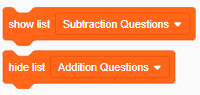
- You can cross check the list of questions students have made with the one in the Scratch lists “Addition Questions” and “Subtraction Questions”.
4. Reflection and Wrap-Up (5-10 minutes)
Activity:
After the test, gather the students together to reflect on their experience. Let them share what was fun or challenging about solving math problems with their robot teacher.
Reflection Questions:
You may ask about their experience and encourage them to reflect upon what they had just learnt:
- “What was the most fun part about solving math problems with your robot teacher?”
- “Did you like how the robot reacted to your answers?”
- “Was there a question that you found tricky? How did you solve it?”
The robot moves forward for answering addition questions and backward for answering subtraction questions. You can use this example of motion to develop a sense of “more” and “less” which correspond to addition and subtraction in real life.
Teacher’s Role:
- Lead the reflection by encouraging students to share their experiences, and celebrate the effort they put into solving the math problems.
- Reinforce the importance of practicing math and how much fun it can be when learning with robots.
5. Conclusion and Reward (5 minutes)
Activity:
Wrap up the session by celebrating the students’ achievements. If they’ve completed the test with 10 correct answers, hand out small rewards (stickers, stamps, etc.) to recognize their hard work.
Wrap-Up Summary:
- You can say:
“Great job today! You all did amazing solving math problems with your robot teacher. Keep practicing, and next time, we’ll learn even more fun things with our robots!”
Teacher’s Role:
- Acknowledge each student’s progress and offer positive reinforcement for their effort, regardless of whether they answered all 10 questions correctly.
Learning Outcome:
By the end of the session, students will have practiced basic addition and subtraction through interactive problem-solving with their robot teacher. They will have gained confidence in using technology to assist their learning while improving their math skills.