Enabler Pro 3D Printer – Safety & Maintenance Guide
This guide provides essential instructions and precautions for safely using and maintaining your Enabler Pro 3D Printer. Follow each section carefully to ensure the best print quality and long-term reliability of your machine.
1. Cleaning & Bearings
- Ensure that the movement bearings of the bed and the arm are free from plastic pieces, filament, or other debris.
Image of the bearings of D8500 loading...
- Do not lubricate the bearings. They are designed to function without lubrication.
- If movement issues occur, make sure that nothing is stuck in the bearings.
2. Print Bed Safety
- The print bed has no clearances on either side. So, always ensure its path is free of wires, tools, or hands before you start a print.
Illustration of right and wrong practises to be added here.
3. Print Bed Magnets
- The bed contains 12 strong neodymium magnets.
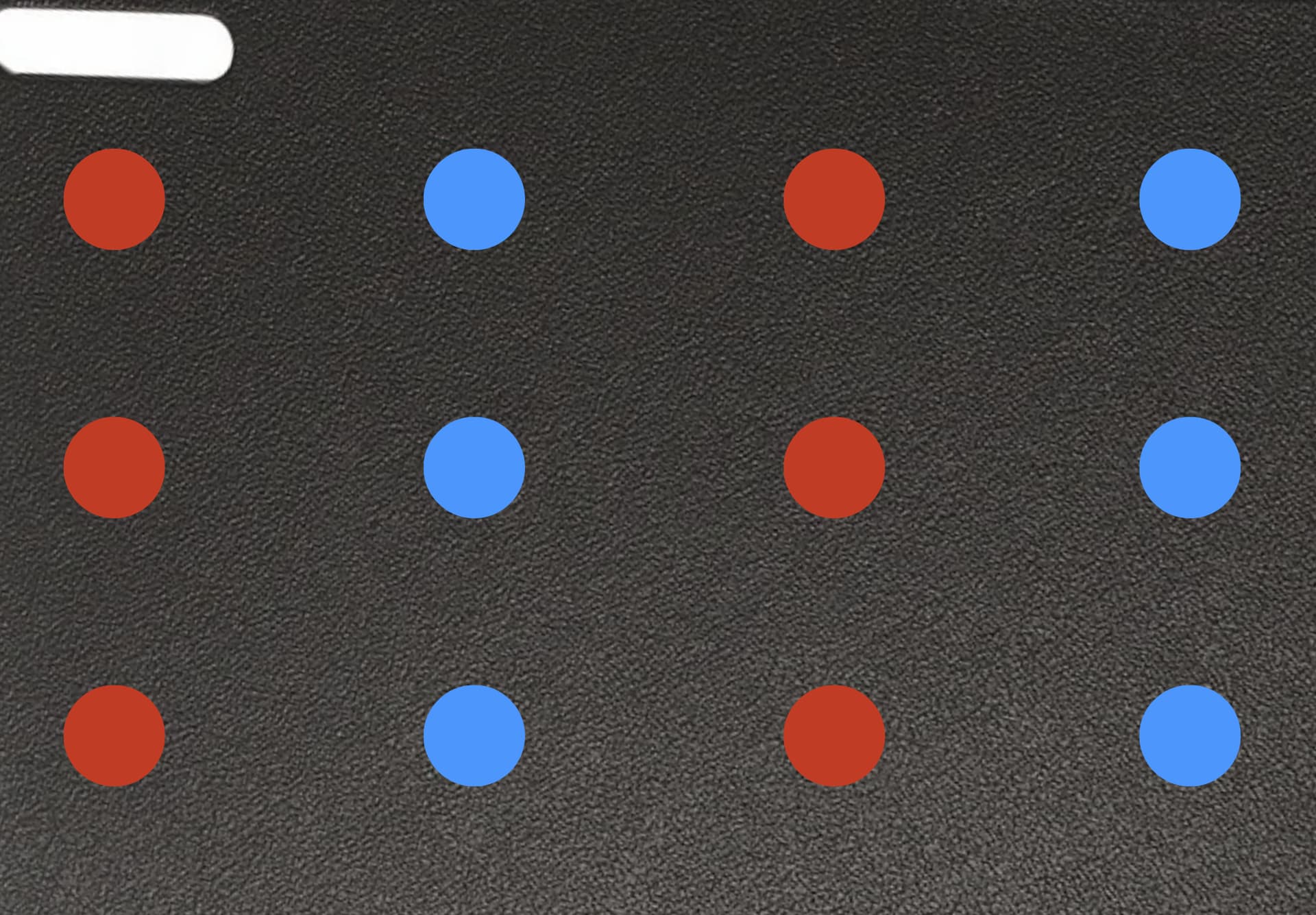
- Keep sharp objects and magnet-sensitive devices (especially medical implants) away from the bed.
- These magnets are powerful and can cause serious injuries if handled carelessly.
4. Removing Prints
- Standard prints: Detach the flexible plate from the bed and bend it gently back and forth to release the print.
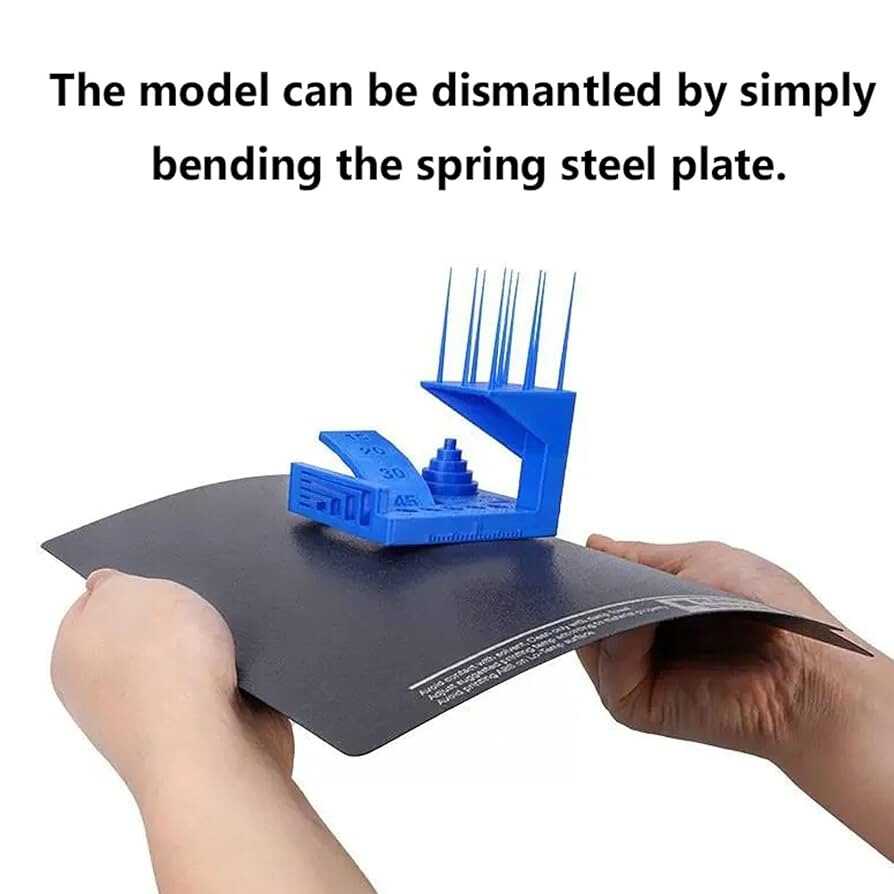
 Warning: Do not bend the plate excessively, as this may cause permanent deformation.
-
Thin prints: Use a thin tool (e.g., tweezers) to carefully lift the print.
- (Illustrations will be added to show safe hand placement and the right amount of force.)
-
Before reattaching the plate, ensure the bed is clean of debris. Even small particles can throw off bed levelling.
-
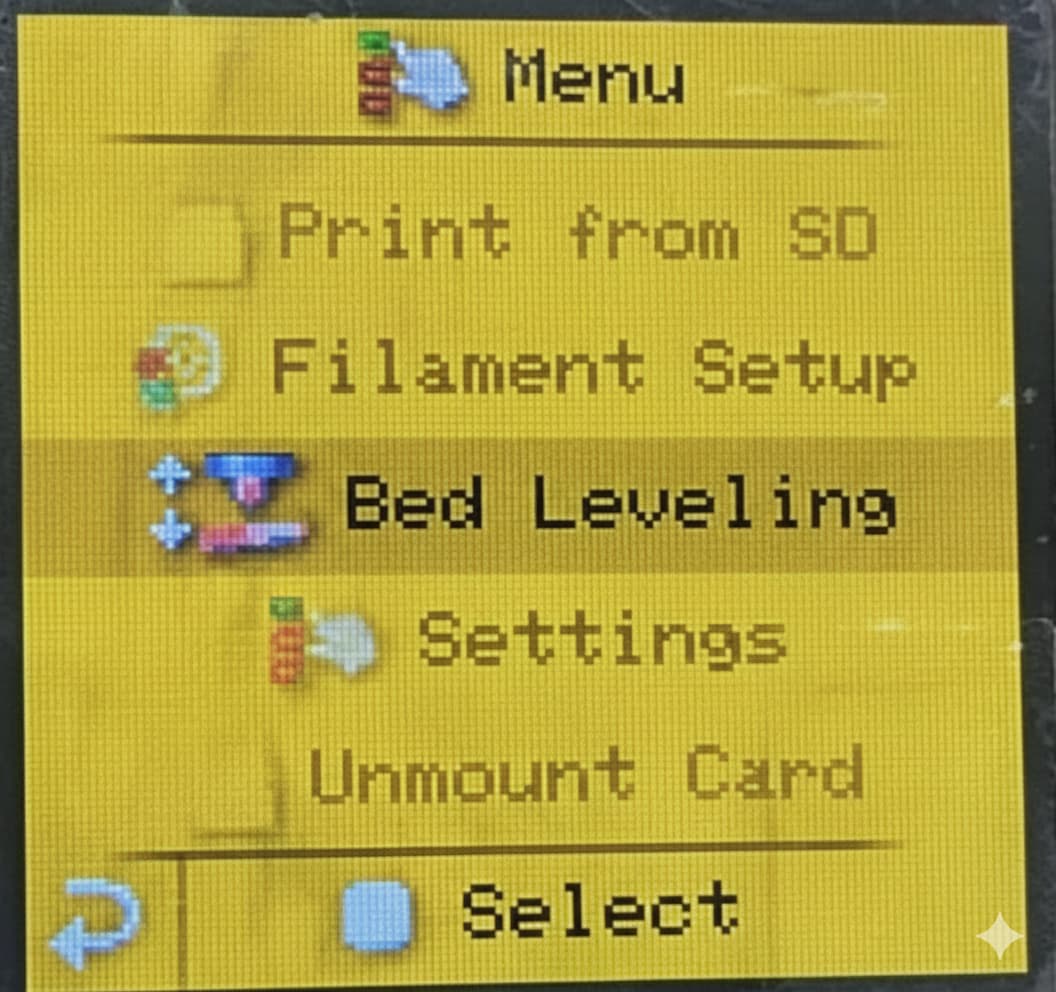
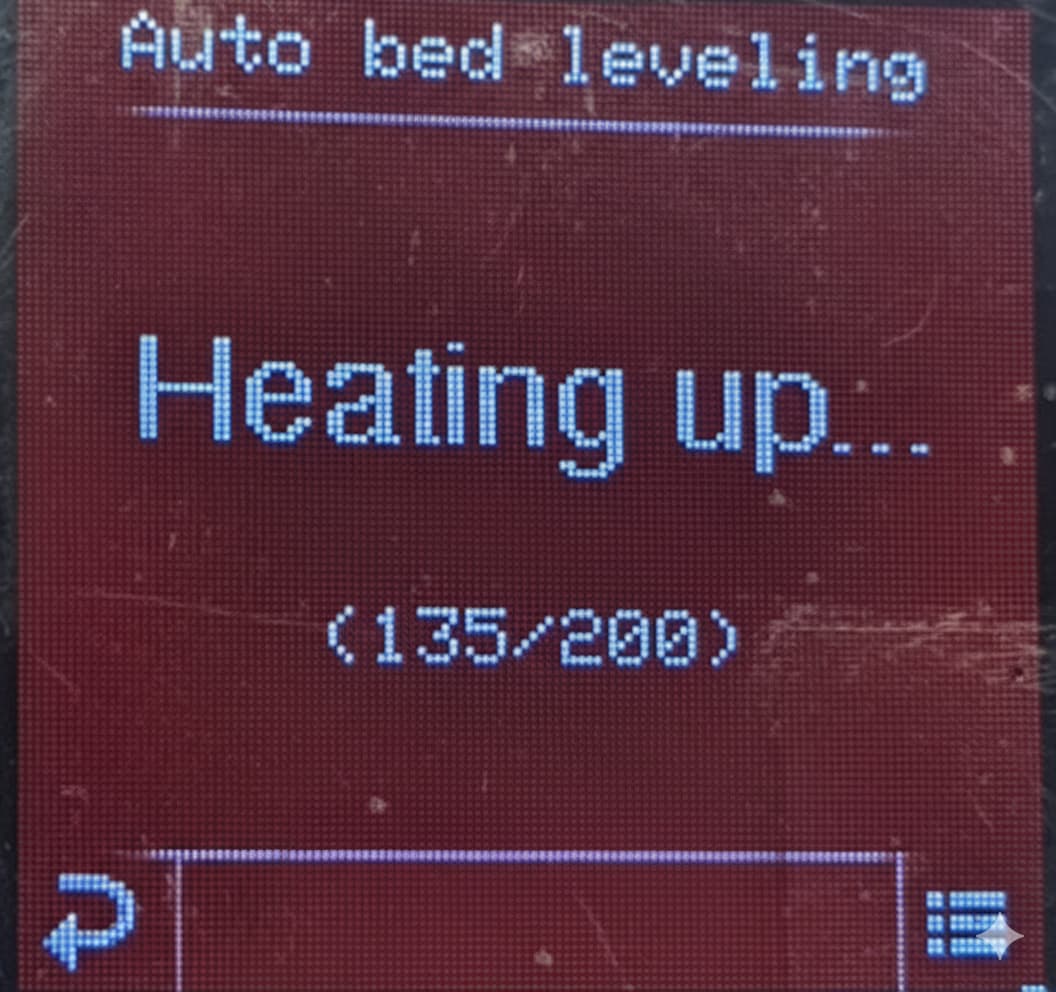
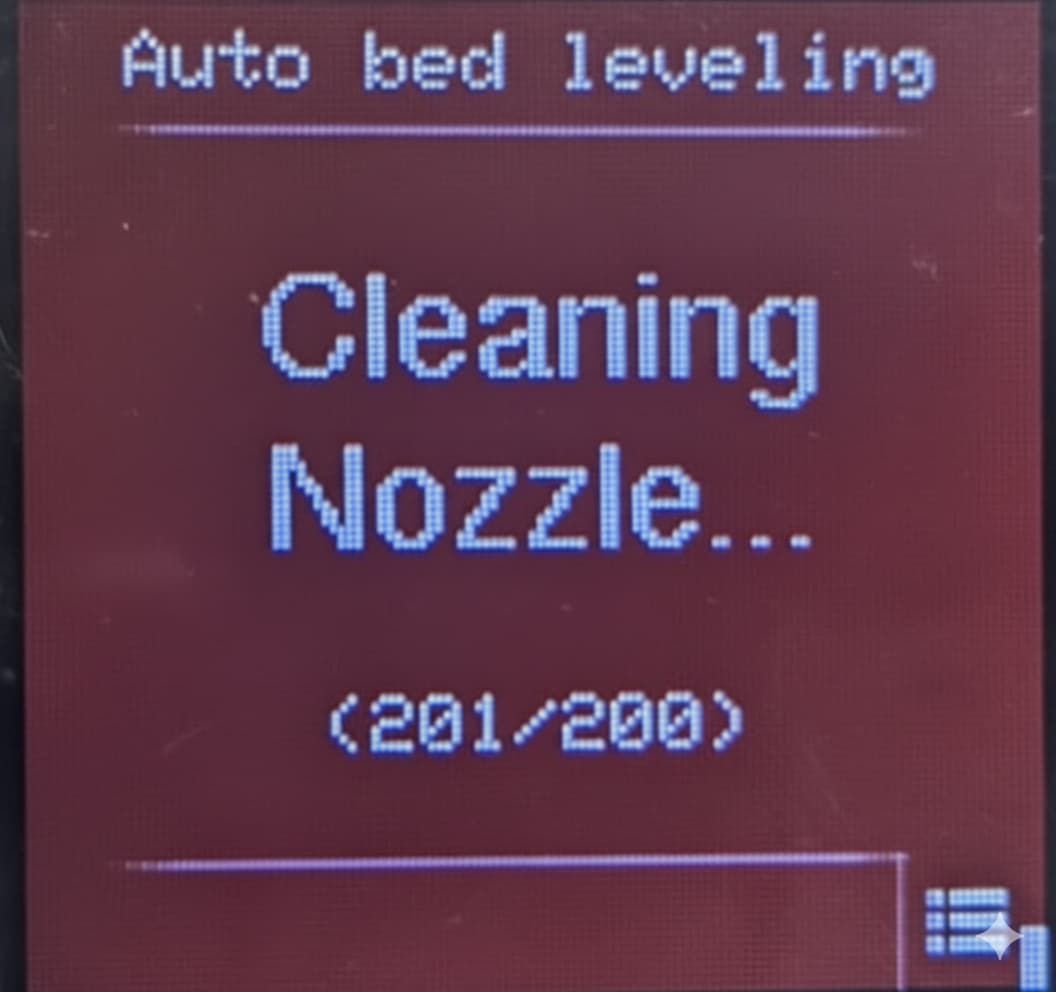
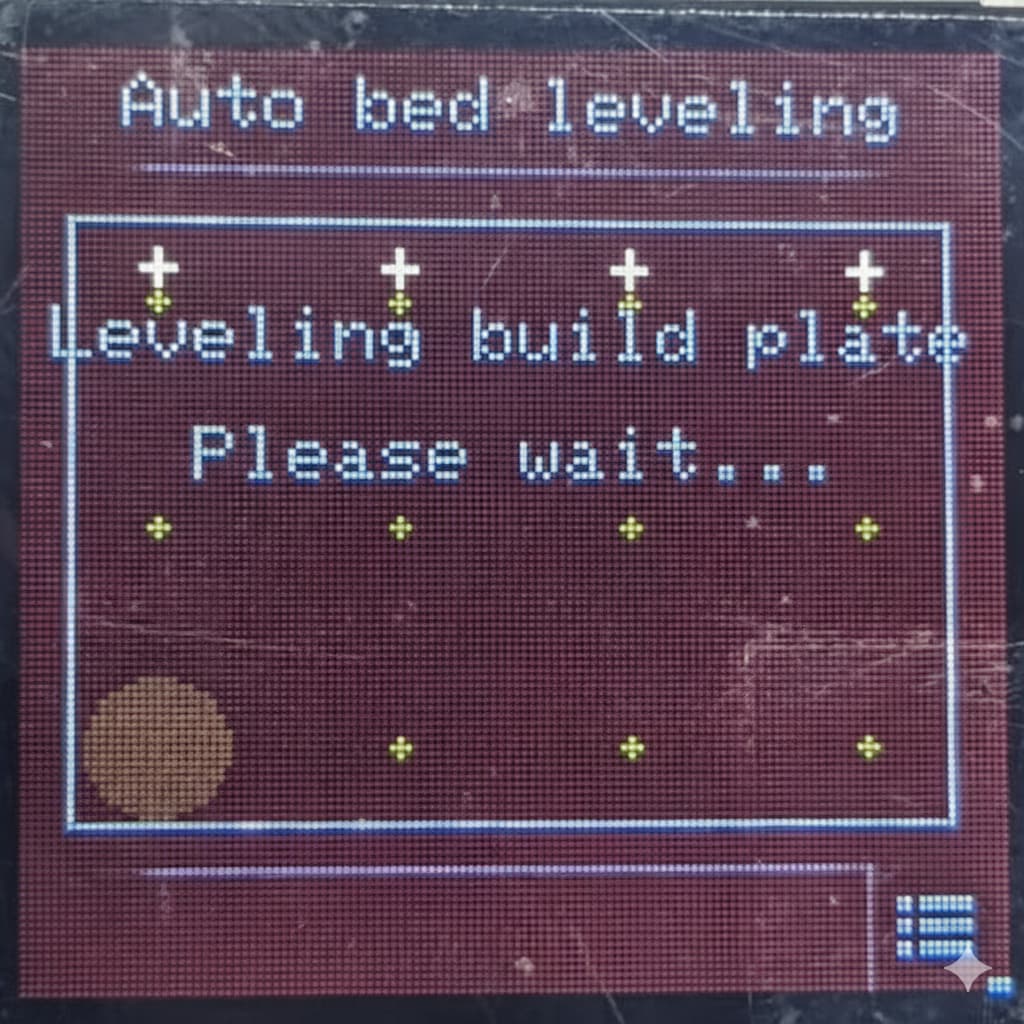
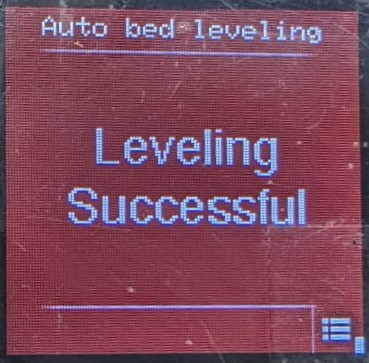
If prints start showing irregularities, run the bed leveling process again.
5. Cleaning the Build Plate:
As you use your printer, it is bound to gather some filament residue as well as dust particles on it’s build plate - which can severely affect the first layer adhesion of your prints. First layer adhesion is very crucial for a successful print.
If you start to notice issues in layer adhesion even after bed levelling, try cleaning your build plate with a cloth or tissue.
If the issue still persists after cleaning and bed levelling, there must be build-up oil residue on the plate. This build-up is normal as you touch the build plate while removing prints and attaching the plate back.
Just clean the the build plate using dish soap and dry properly before placing it back.
6. Extruder Setup & Cleaning
-
When setting up the extruder, two turns of the screw handle are usually enough.
- (Illustration will be added for clarity.)
-
The printer will display a warning when the extruder needs cleaning. Do not ignore this warning.
-
To clean the extruder:
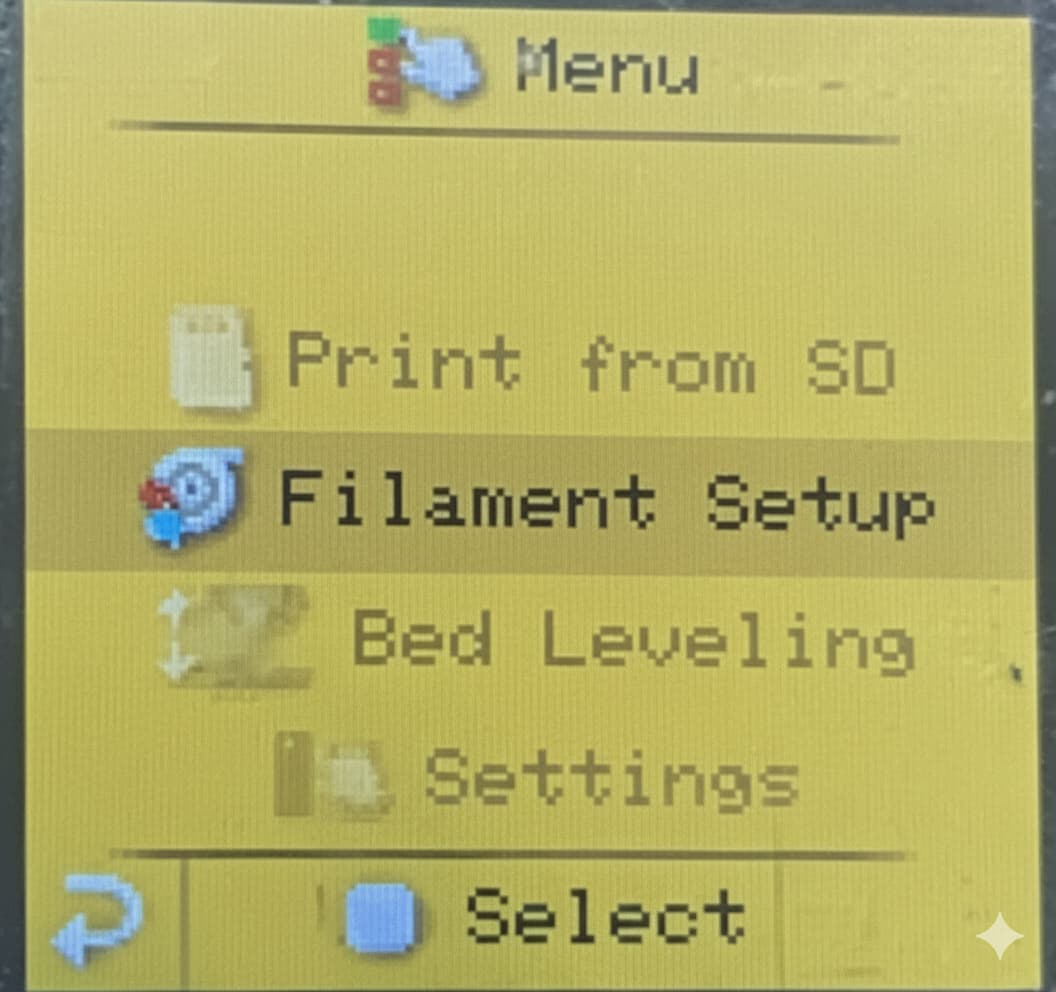
- Use the printer menu to unload filament.
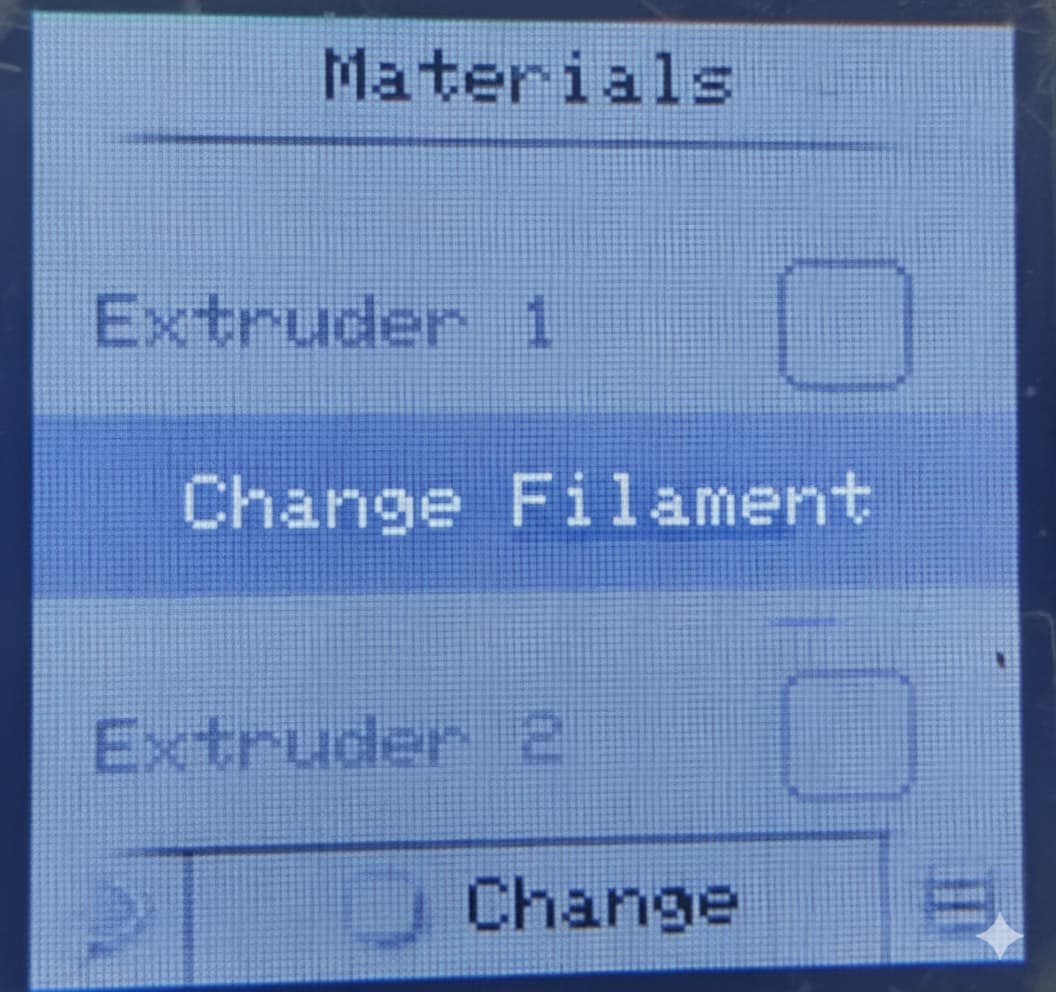
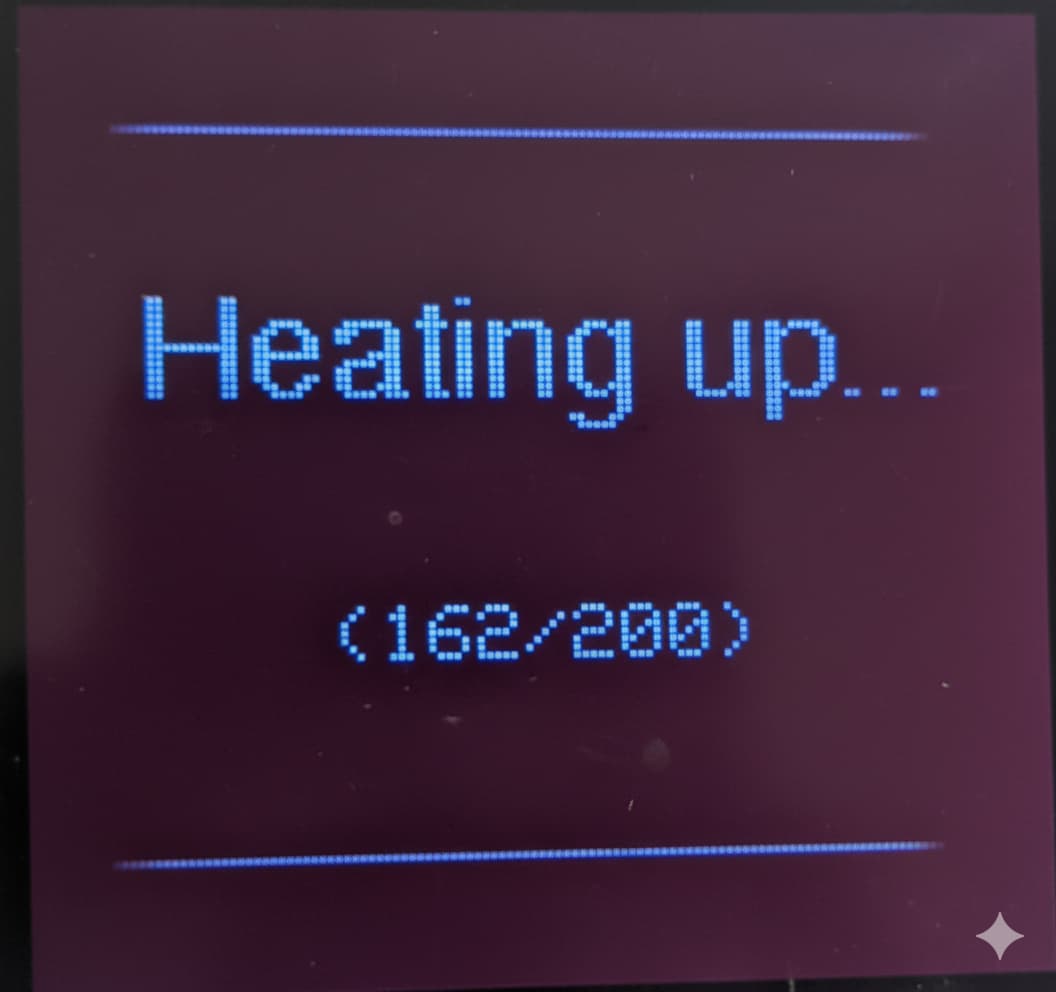
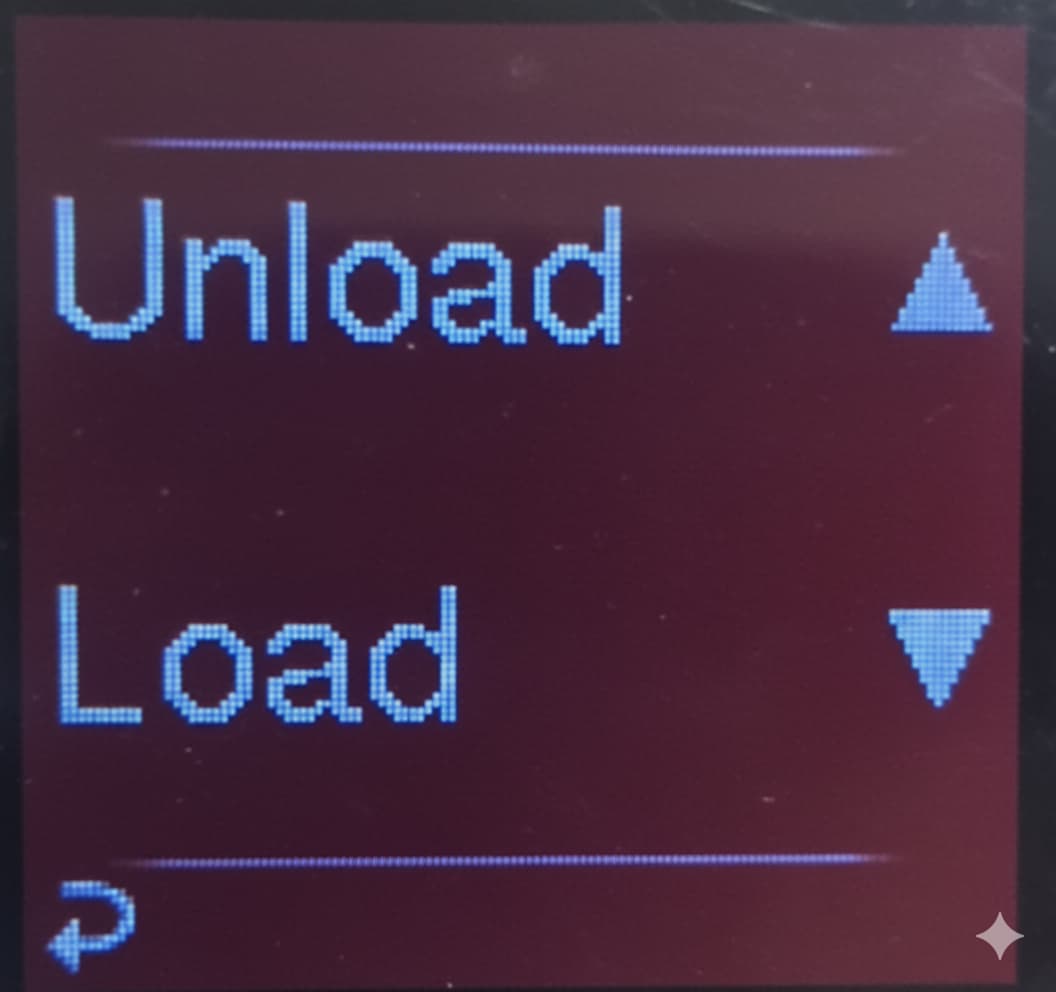
- Once unloaded, use a small brush to clean away dust, debris, or plastic particles.
 Following these steps will help you maintain smooth operation, consistent print quality, and extend the life of your Enabler Pro 3D Printer.